

User guide · Help and your account
Your account and settings
What it is
Your name, your courses, your language, light or dark screen, your data, and signing out.
Where to find it
- Menu
- My account
How to do it
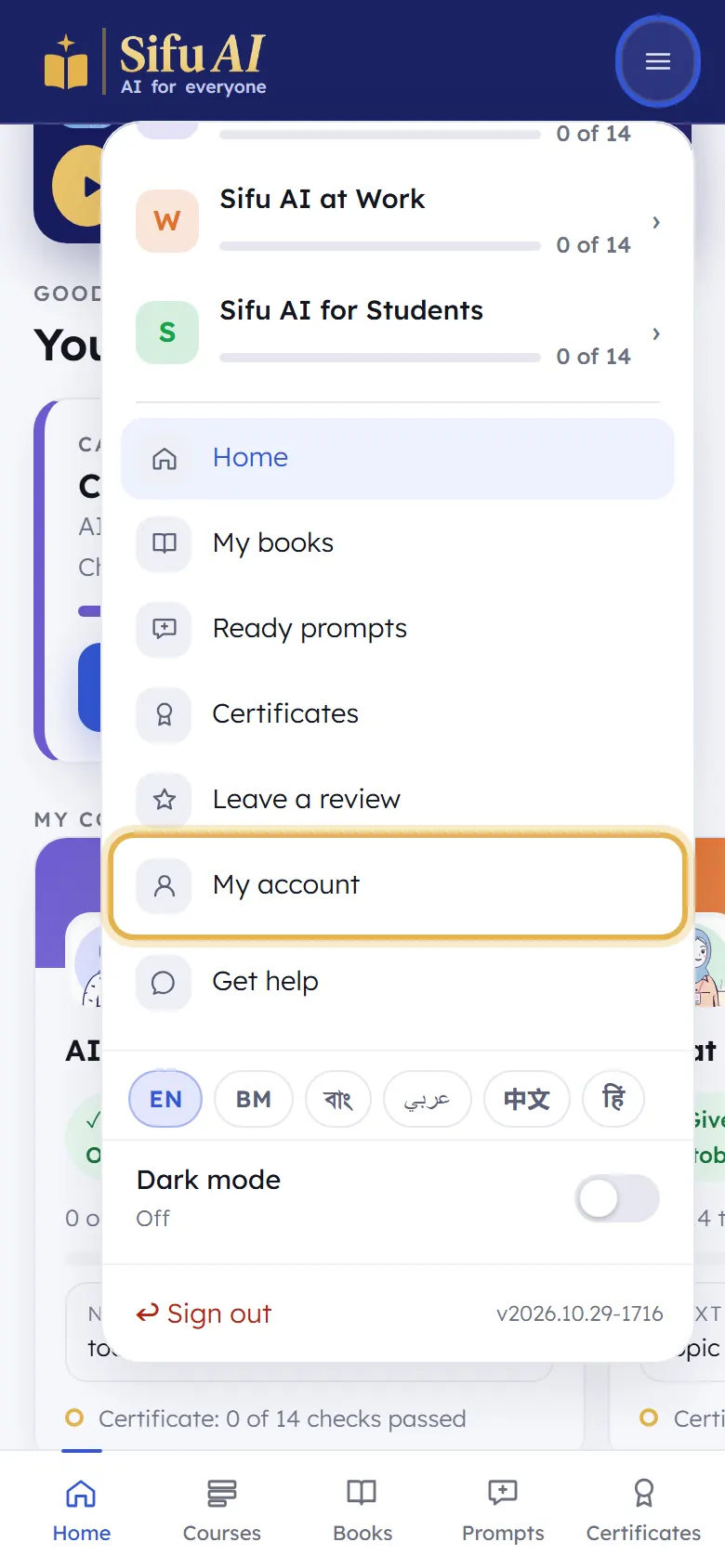
Tap the menu button at the top right, then My account.
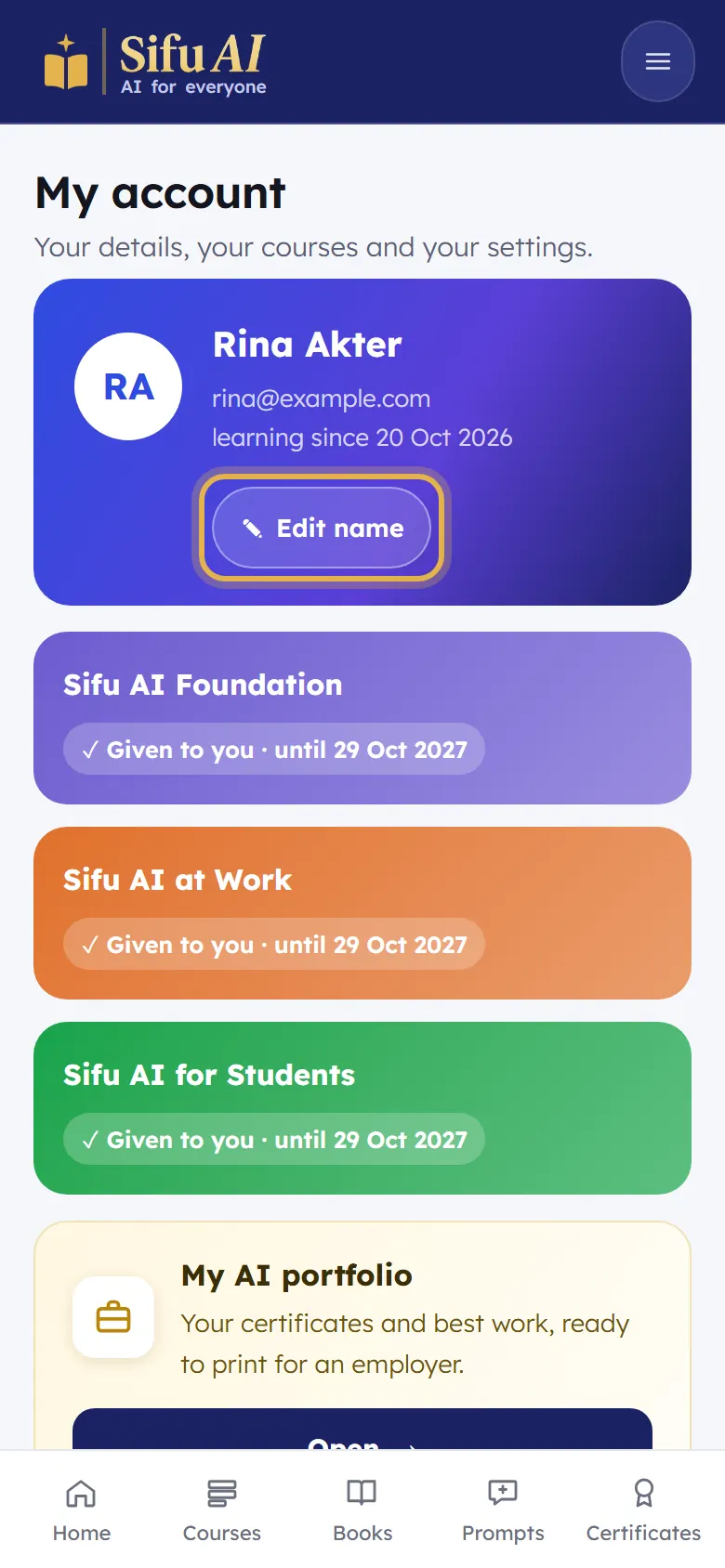
Edit name changes the name on your certificates. Below it you see each course and until when it is open.
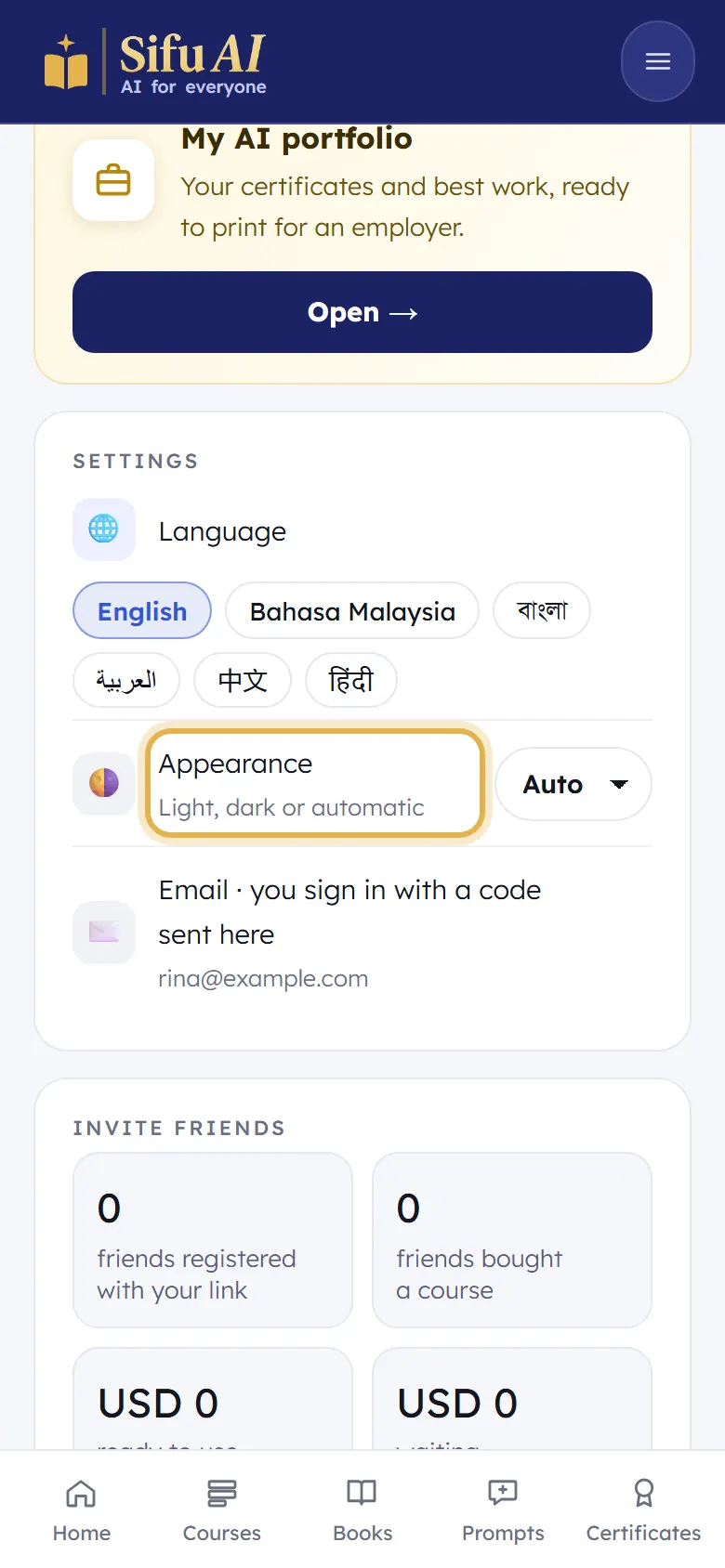
Under Settings: your Language, and Appearance (light, dark, or automatic).
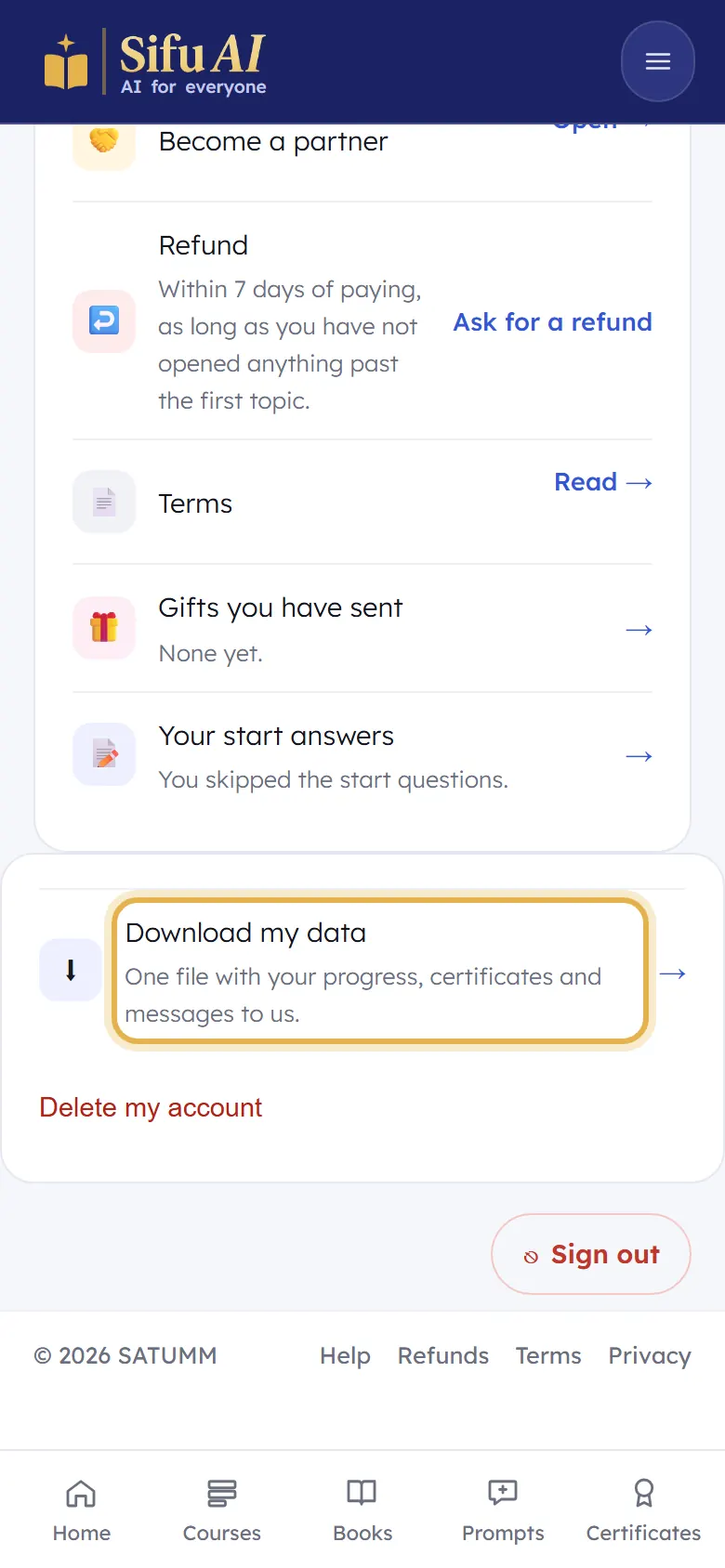
At the bottom: Download my data gives you one file with everything. Delete my account removes it for good. Sign out signs you out of this phone.
If you are stuck
- Can I change my email?
- Not by yourself, because your email is how you sign in. Message us and we will help.
Still stuck? We answer every message.