

User guide · Your certificate
Get your certificate
What it is
Finish every topic of a course and pass its checks, and your certificate is made with your name on it. Each course has its own.
Where to find it
- Bottom bar
- Certificates
How to do it
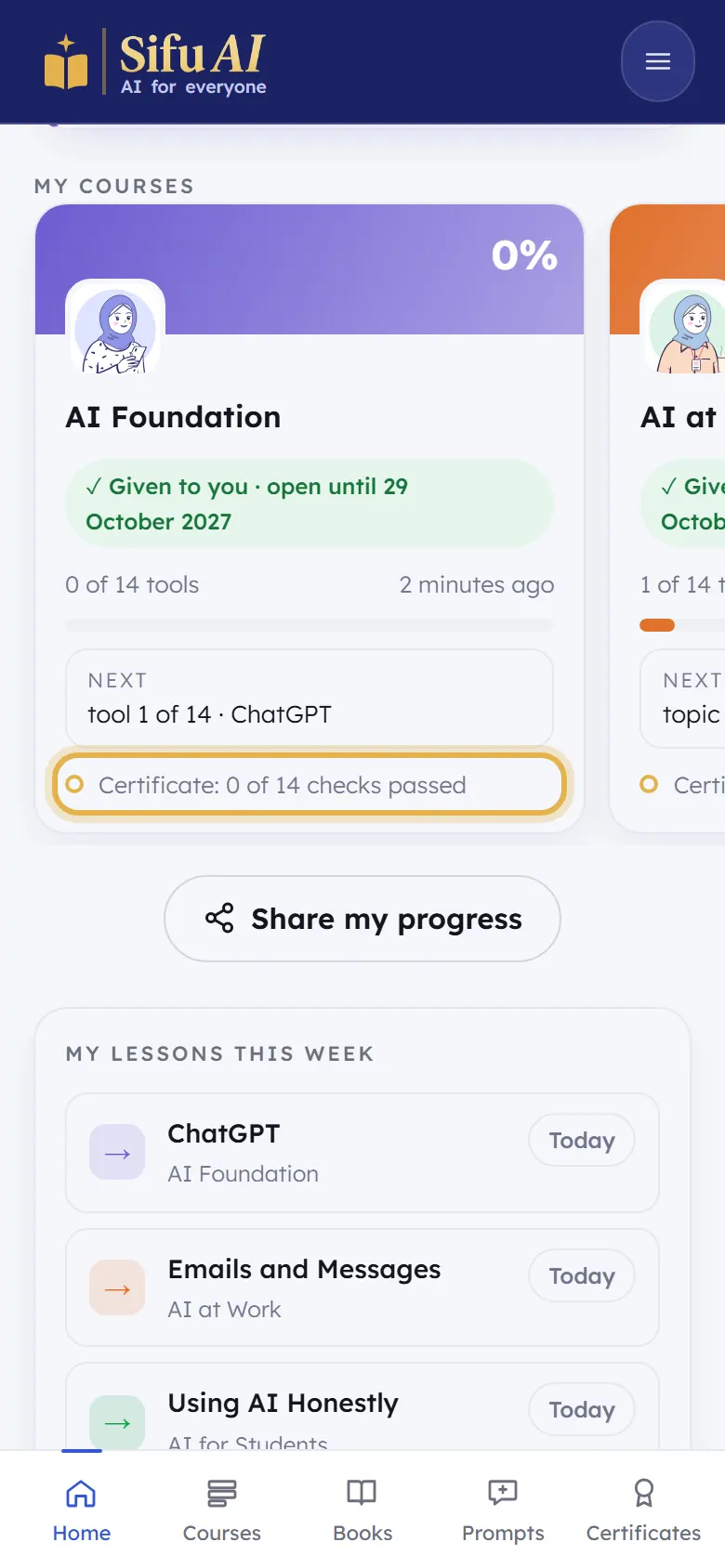
On your home screen, each course shows Certificate: 3 of 14 checks passed. That is how close you are.
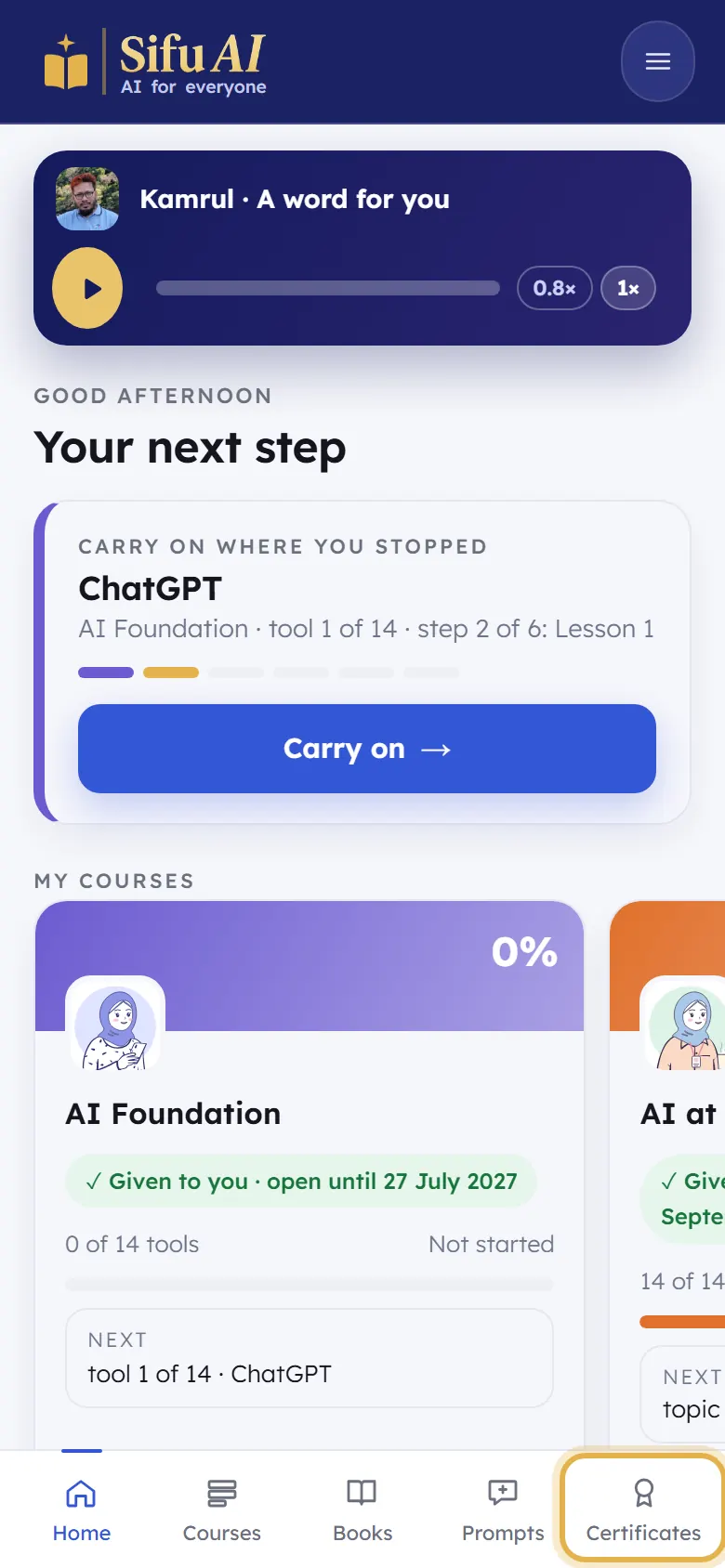
Tap Certificates in the bar at the bottom.
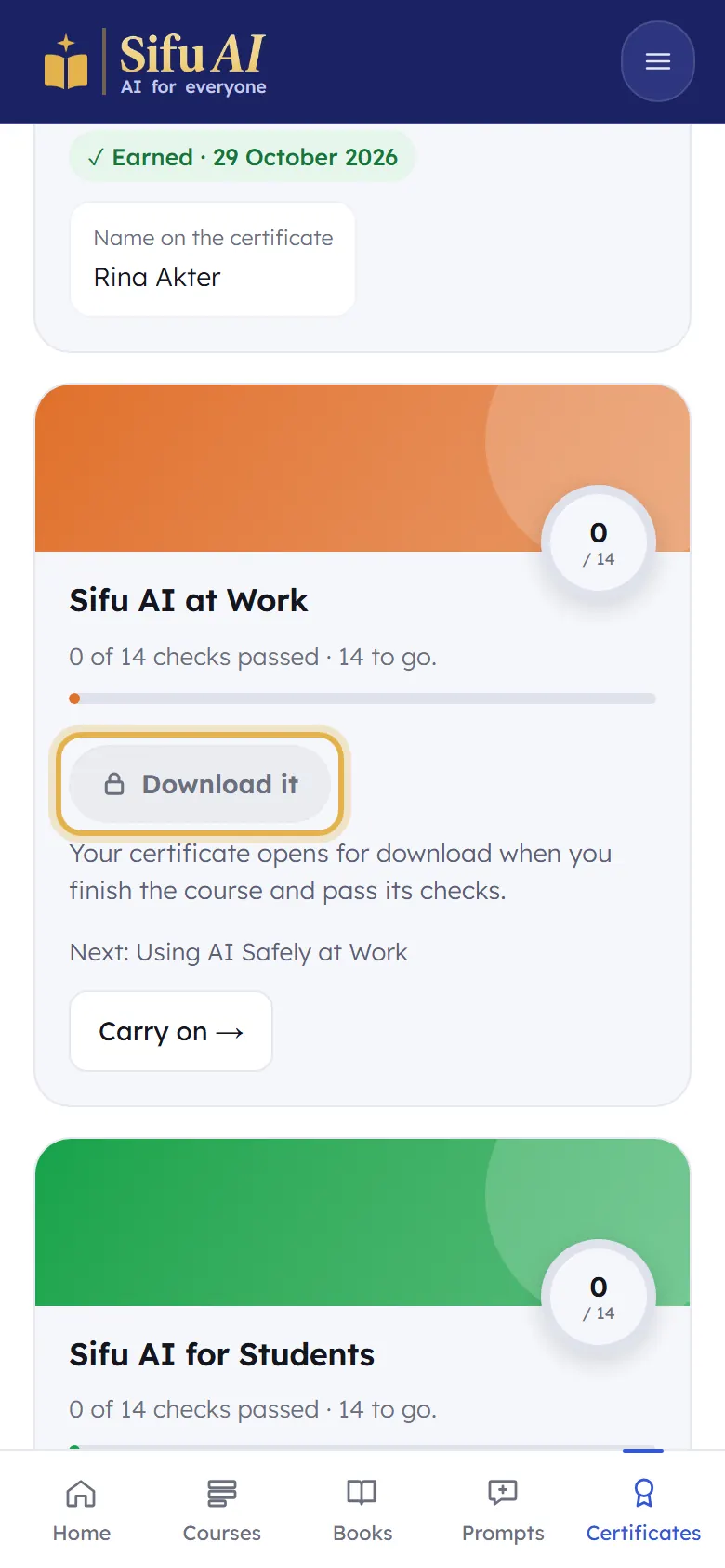
A finished course says Earned, with the Name on the certificate. Tap Download it to save it. (Until you finish, the button is locked.) To change the name, tap Edit name in My account.
If you are stuck
- I finished but there is no certificate.
- Look for a topic whose check is not passed yet (it says Check to pass). Pass that check and the certificate opens.
Still stuck? We answer every message.