

User guide · Getting started
Use Sifu AI on your phone or computer
What it is
Sifu AI works in any web browser on a phone or a computer. On an Android phone you can also install the Sifu AI app. Your progress is the same on every device.
Where to find it
- Footer
- Android app
How to do it
On a computer or iPhone: open sifuai.app in your browser and sign in. That is all.
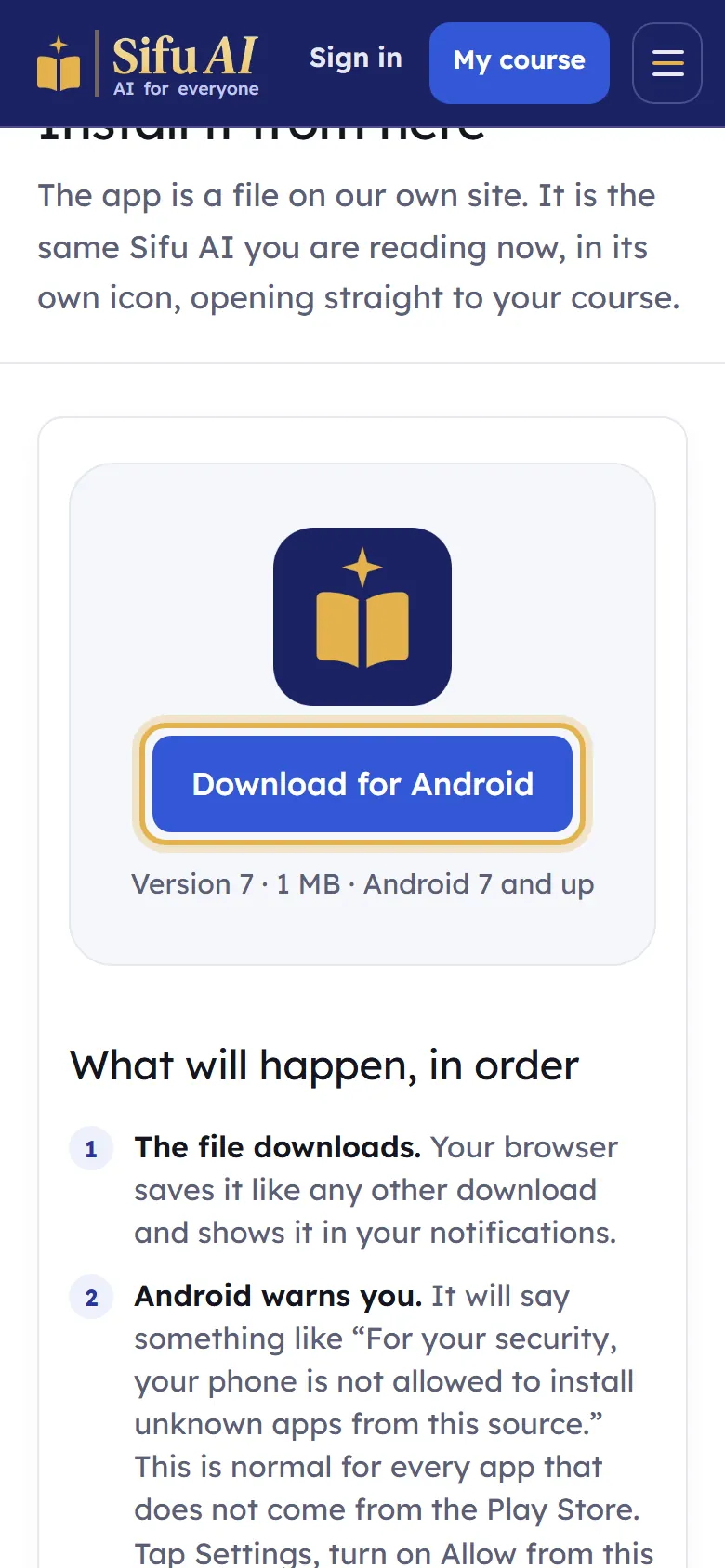
Android app: scroll to the bottom of any page and tap Android app. Then tap Download for Android.
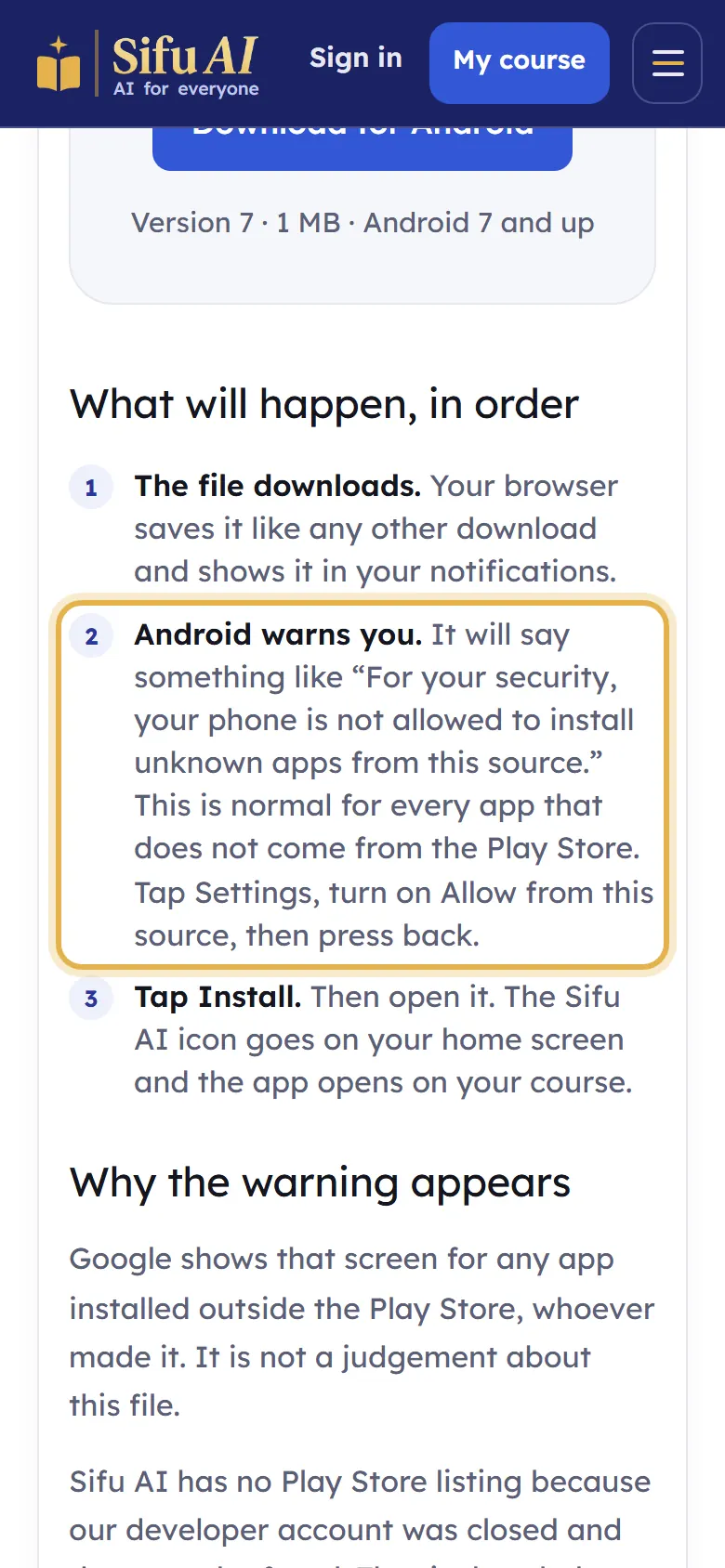
Your phone may warn you that the app is not from the Play Store. This is normal. Tap Settings, turn on Allow from this source, then go back.
Tap Install, then Open. The Sifu AI icon is now on your home screen.
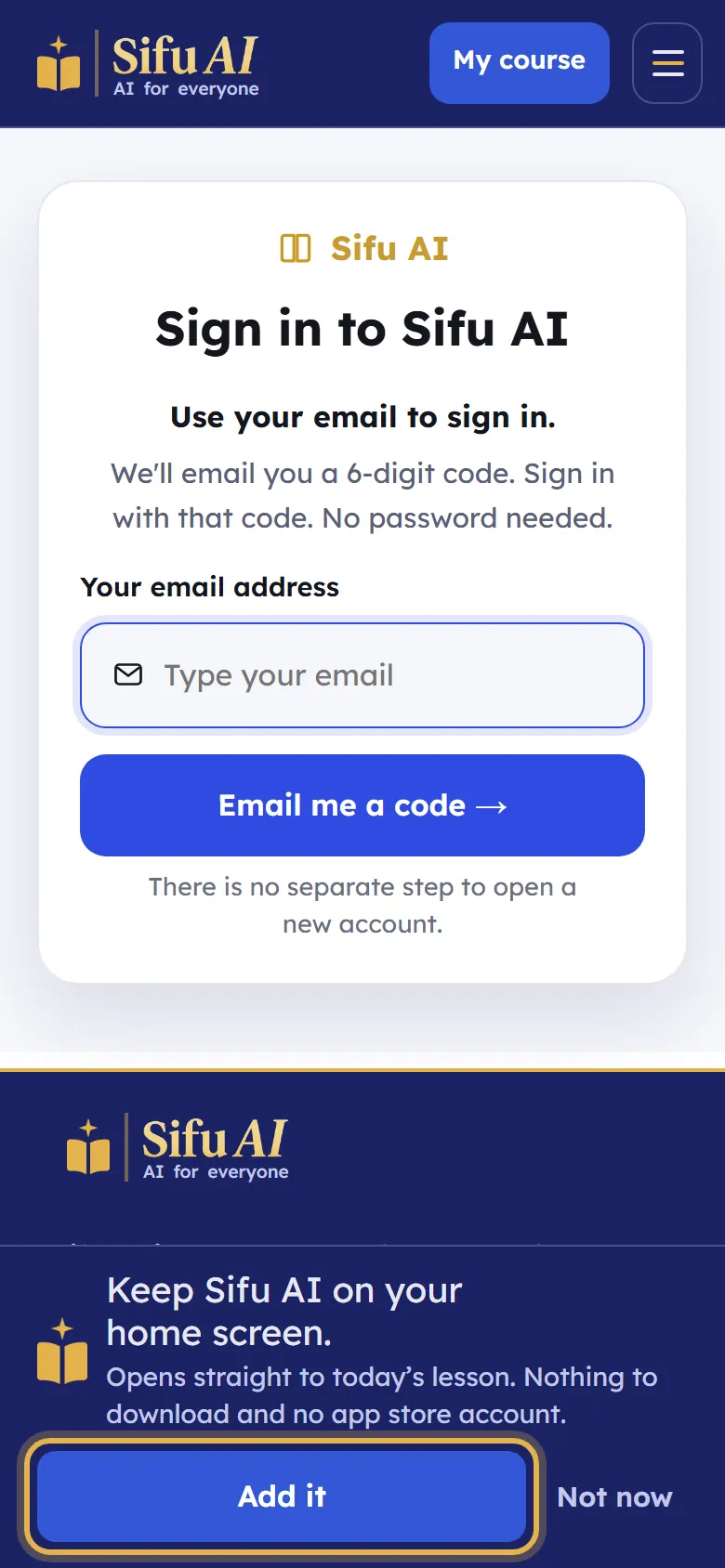
Or keep it on your home screen without installing: when Sifu AI offers Keep Sifu AI on your home screen, tap Add it.
If you are stuck
- I have an iPhone.
- Apple does not allow app files from websites. Open sifuai.app in Safari, tap the Share button, then Add to Home Screen.
Still stuck? We answer every message.