

User guide · Learning
Ready prompts and your prompt book
What it is
A prompt is the message you send to an AI. Ready prompts gives you good ones to copy. Your prompt book keeps every prompt you wrote in the lessons, in one place.
Where to find it
- Bottom bar
- Prompts
How to do it
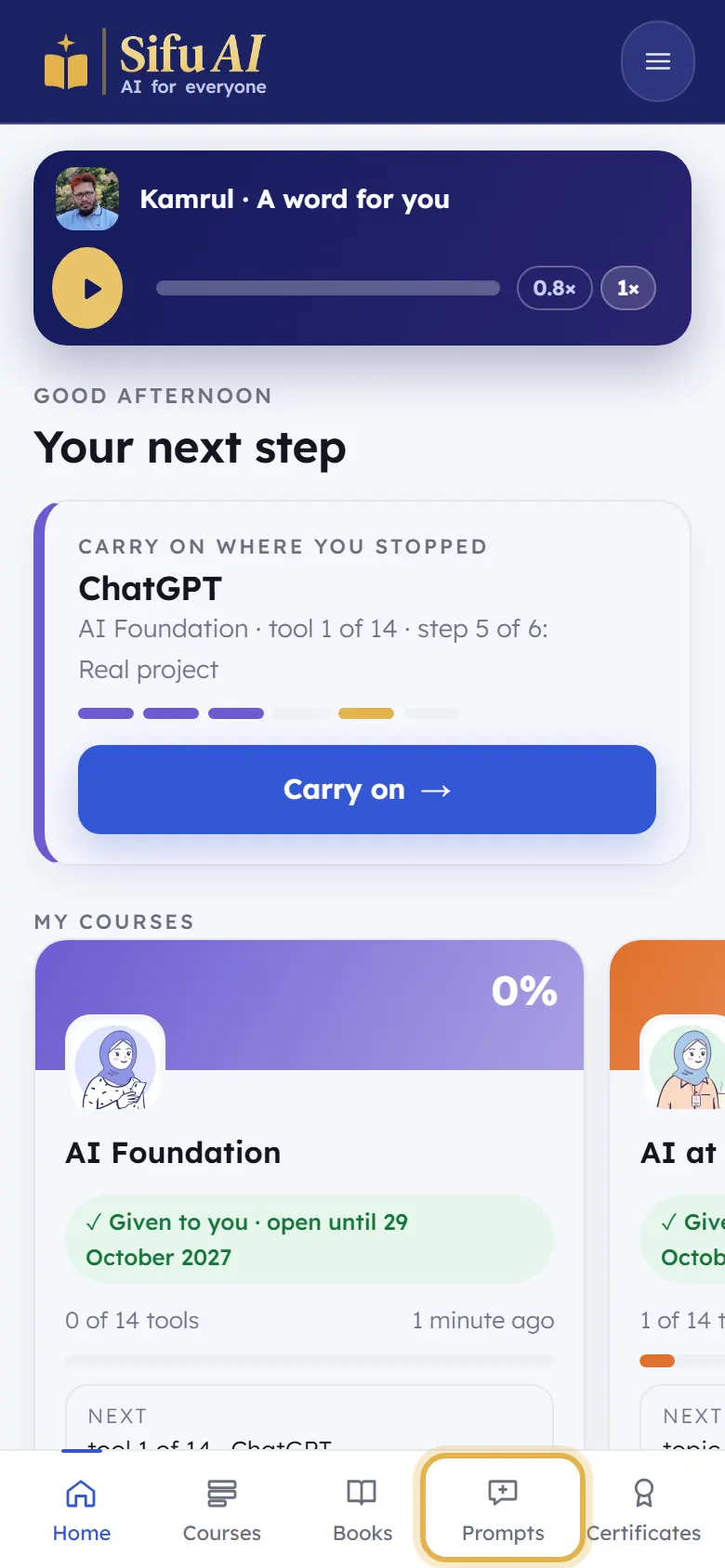
Tap Prompts in the bar at the bottom.
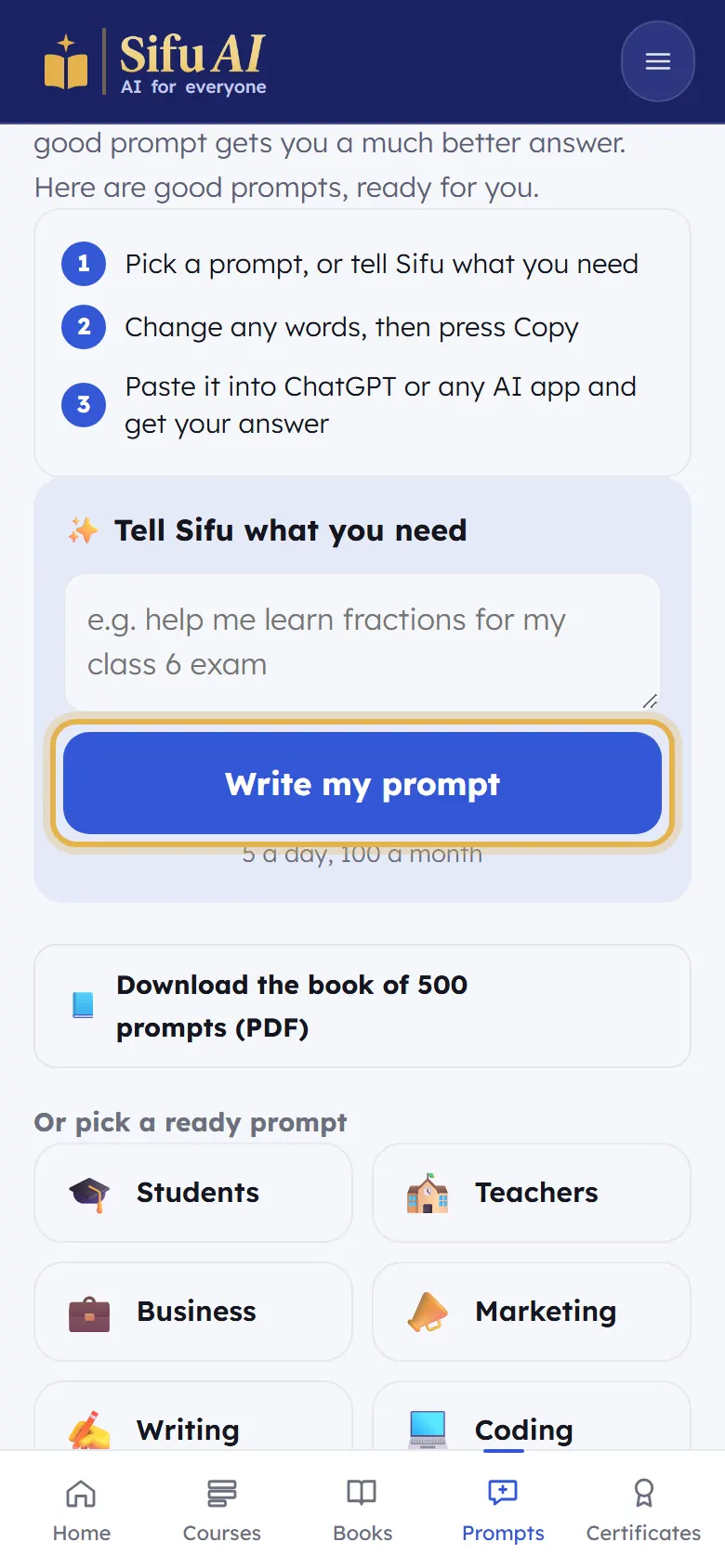
Tell Sifu what you need: type it in your own words and tap Write my prompt.
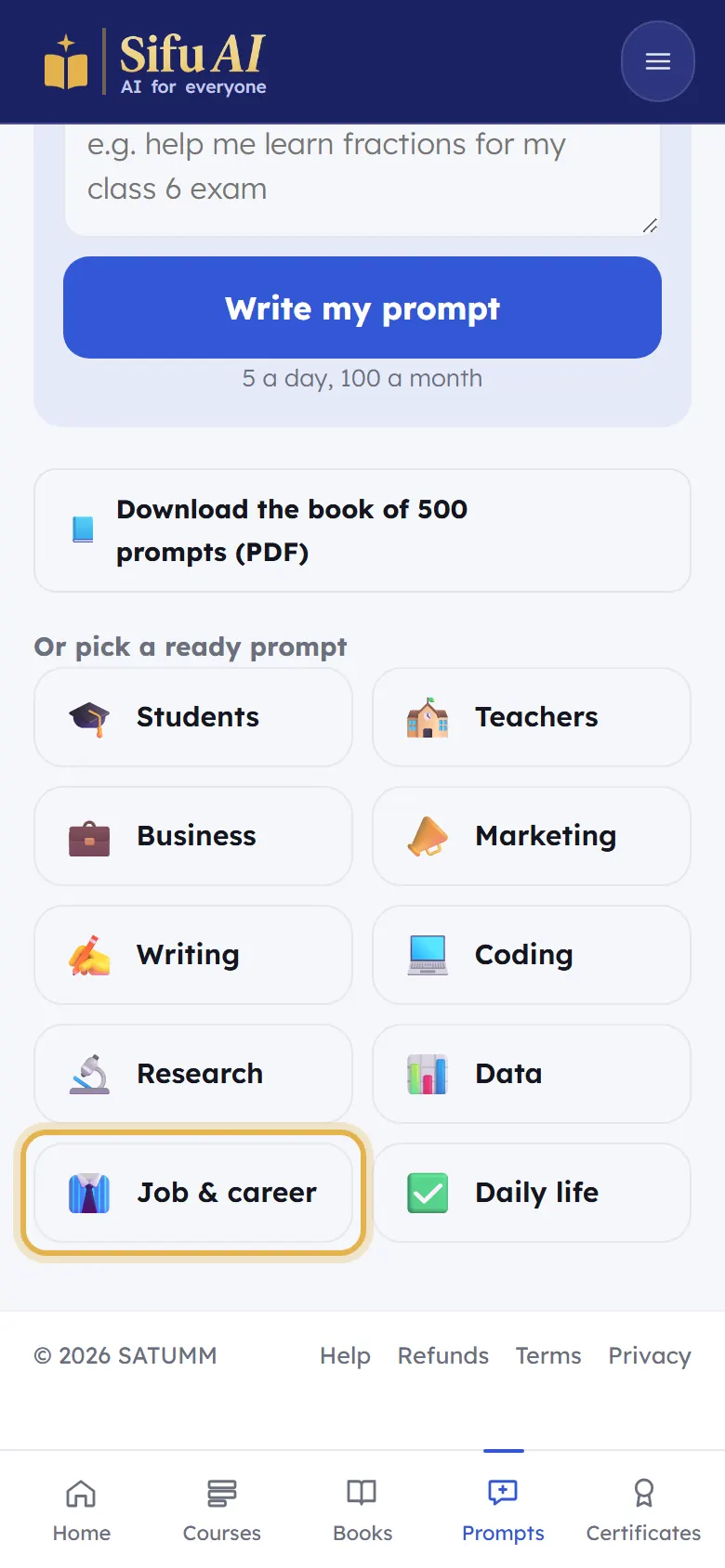
Or tap a group, such as Students or Job & career, pick a prompt, change any words, then tap Copy and paste it into ChatGPT.
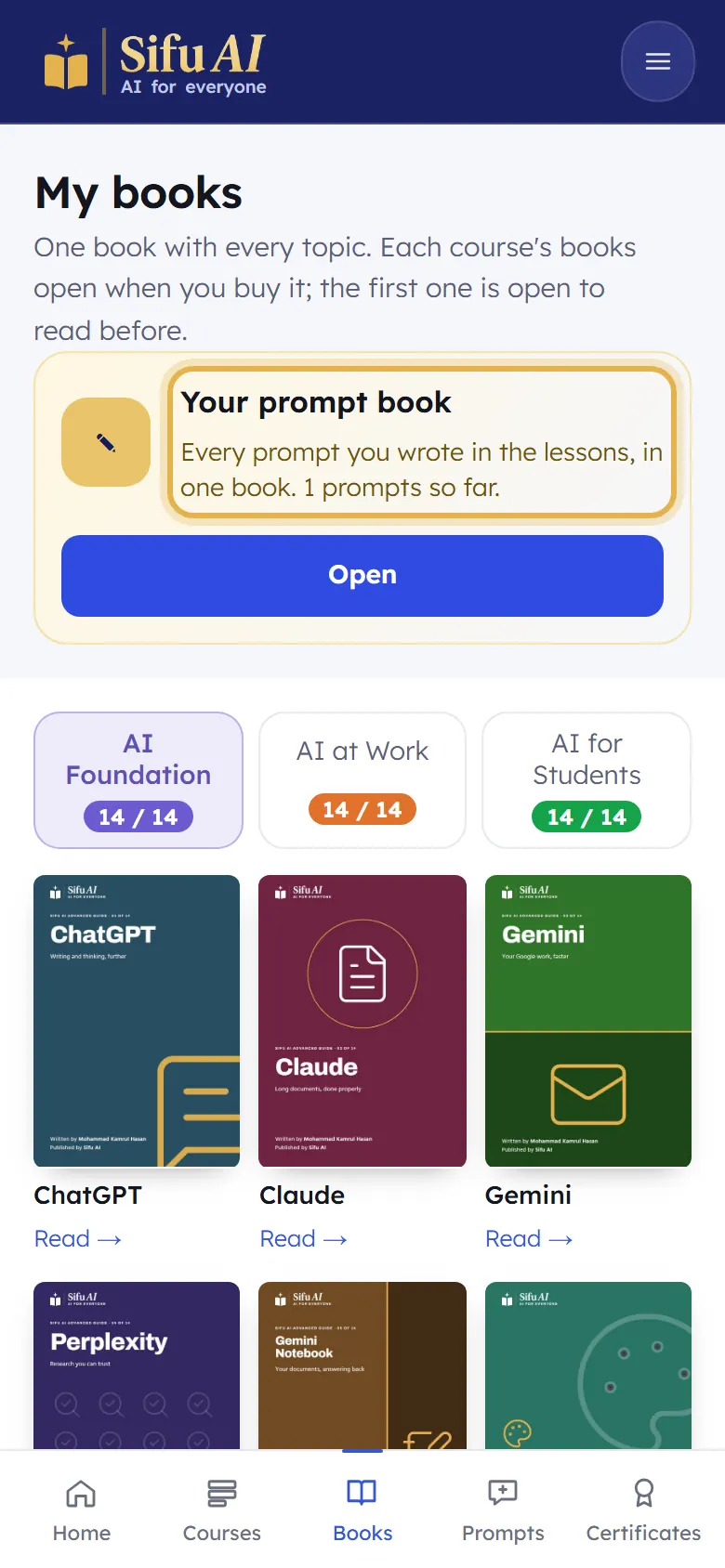
To see your own prompts, open Books and tap Your prompt book. You can print it or save it as a PDF.
Still stuck? We answer every message.