

User guide · Learning
Choose your track (AI at Work and AI for Students)
What it is
AI at Work has 4 topics for your kind of work: office and admin, sales and marketing, or customer service. AI for Students has 3 for school or for university. You pick one.
Where to find it
- Courses
- AI at Work or AI for Students
- Your track
How to do it
Tap Courses at the bottom, then open AI at Work or AI for Students.
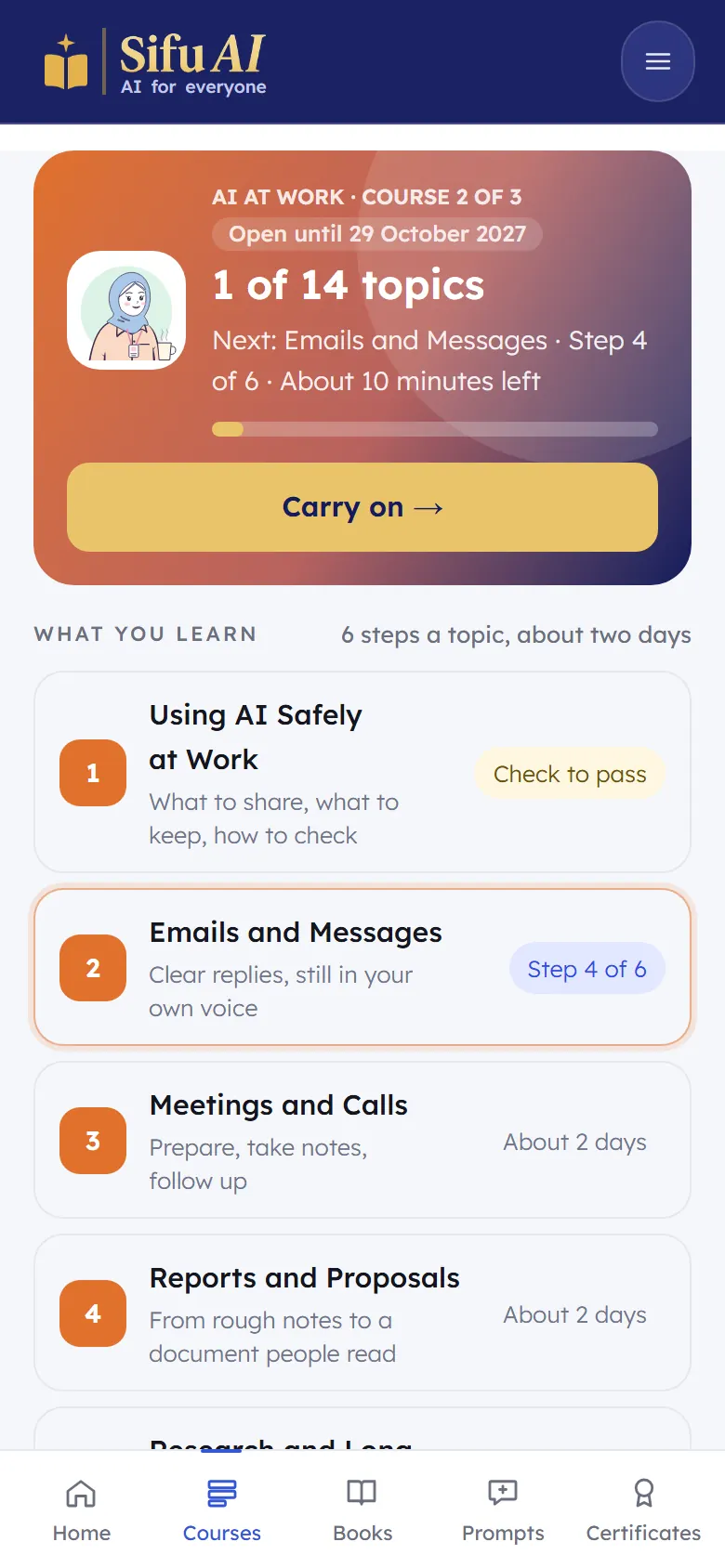
Scroll down to Your track and tap the one that fits you. The track topics appear in your list.
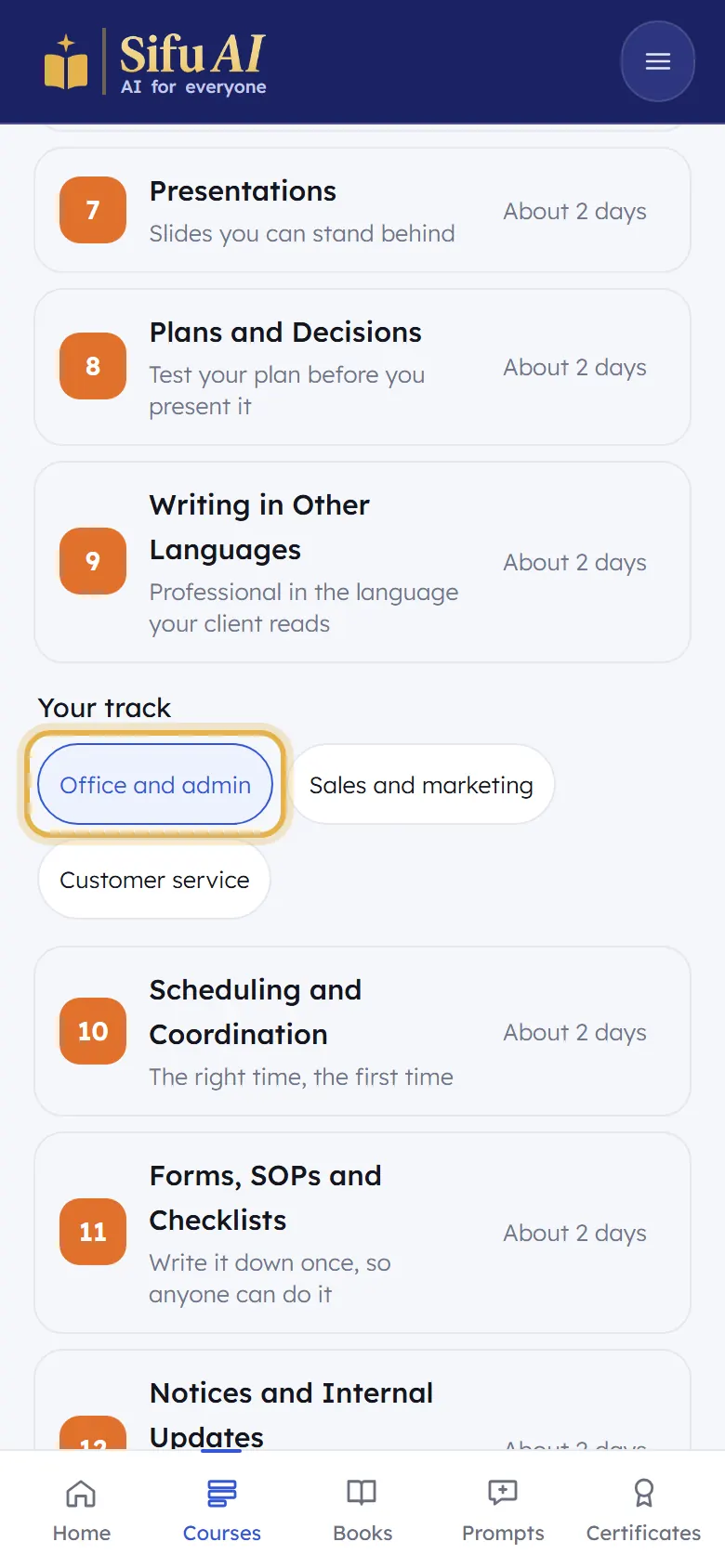
Changed your mind? Tap another track. You can switch any time.
Still stuck? We answer every message.