

User guide · Learning
Do a lesson, step by step
What it is
Every tool and every topic is 6 short screens. They all work the same way, so once you have done one, you know them all.
Where to find it
- Home
- Carry on
How to do it
Screen 1, the introduction. Press play to hear Kamrul first. Read what the tool is. Tap Tap to enlarge to see a picture bigger.
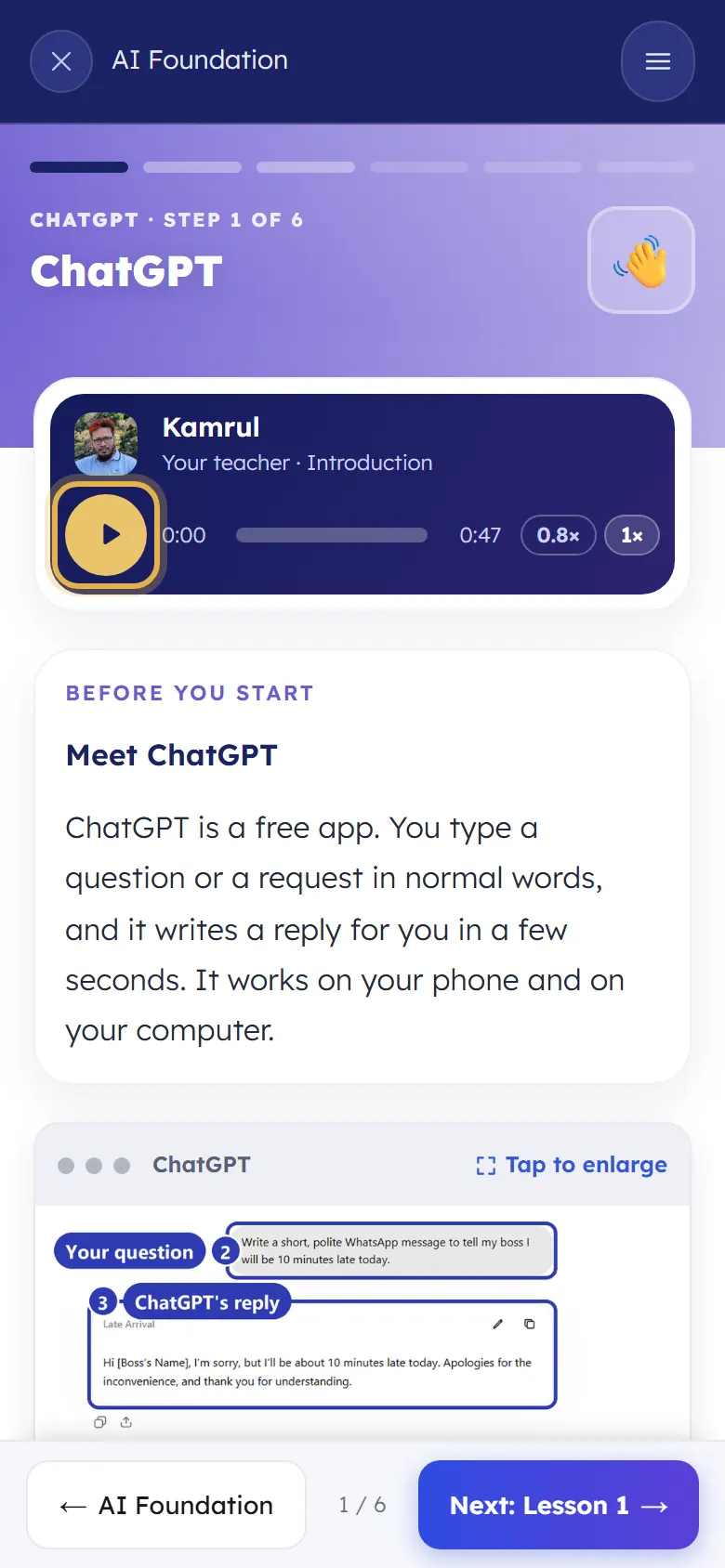
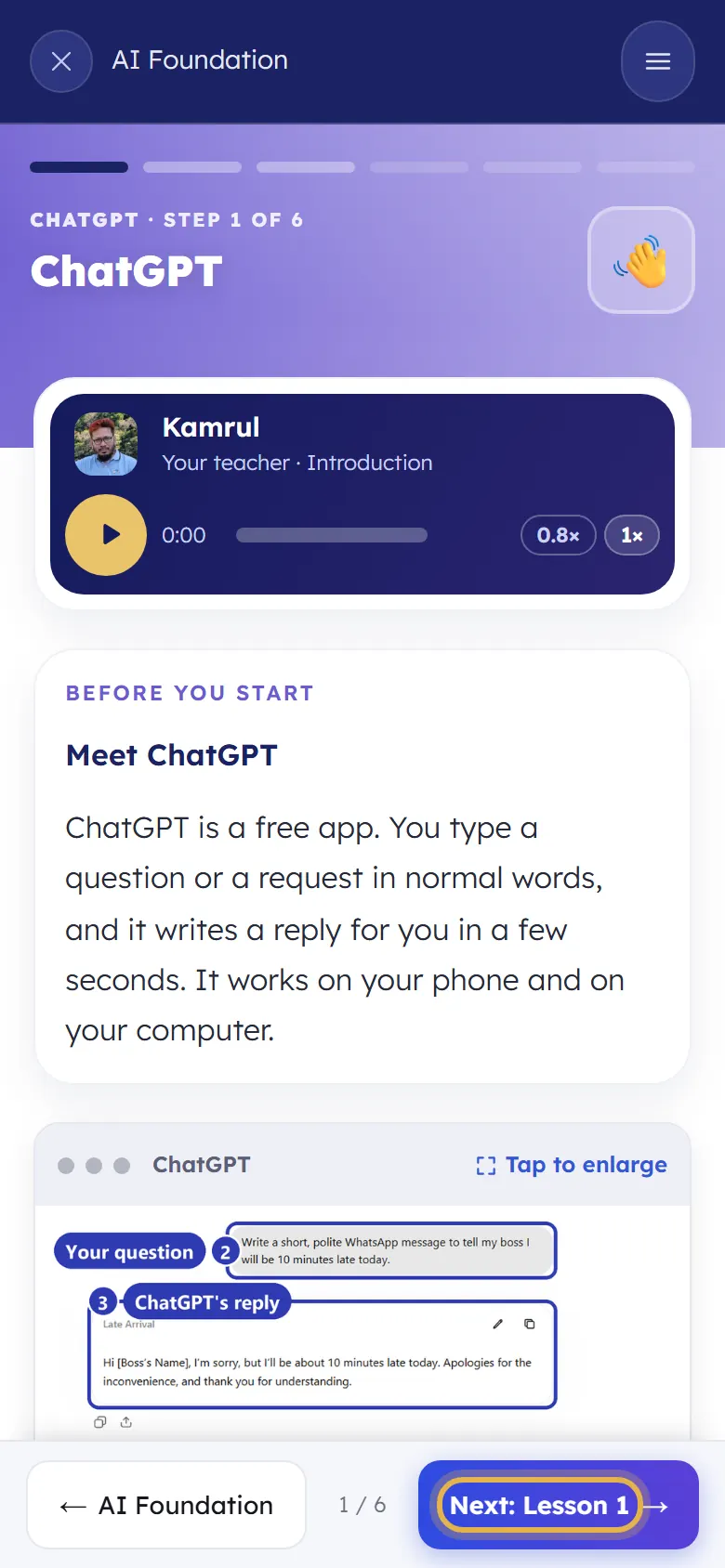
When you are ready, tap the blue Next button at the bottom right. Back takes you one screen back.
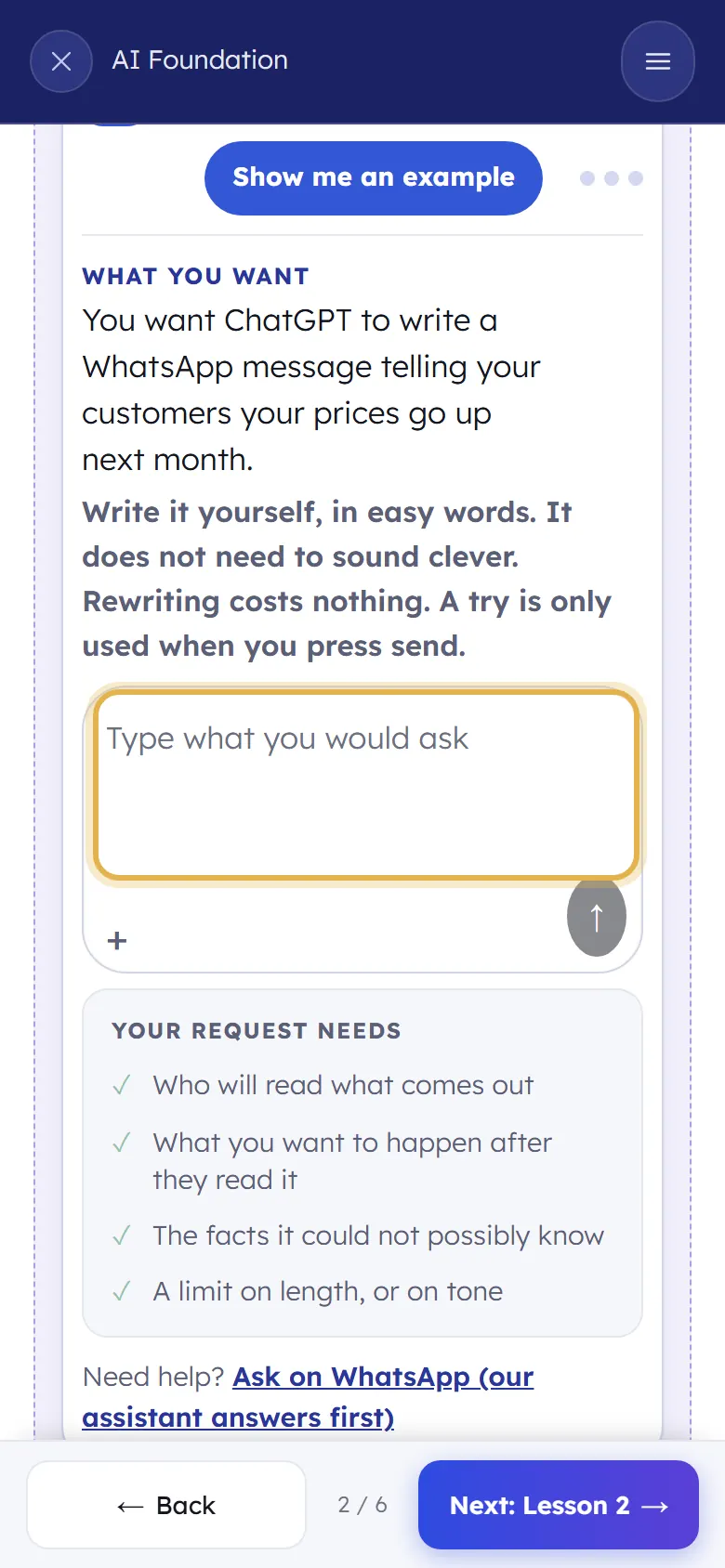
Screens 2 and 3, the lessons. Listen, read, then try it yourself in the box: write your own message and send it.
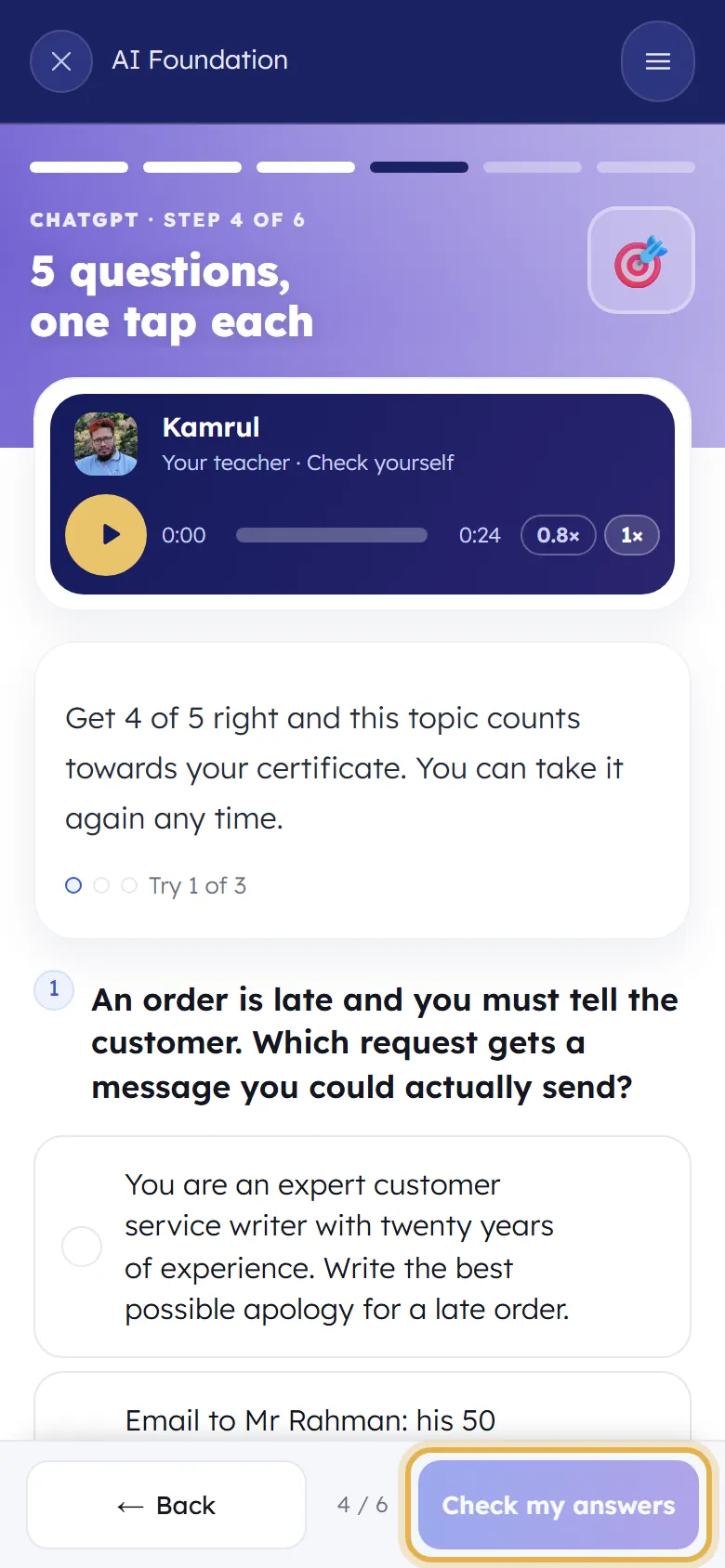
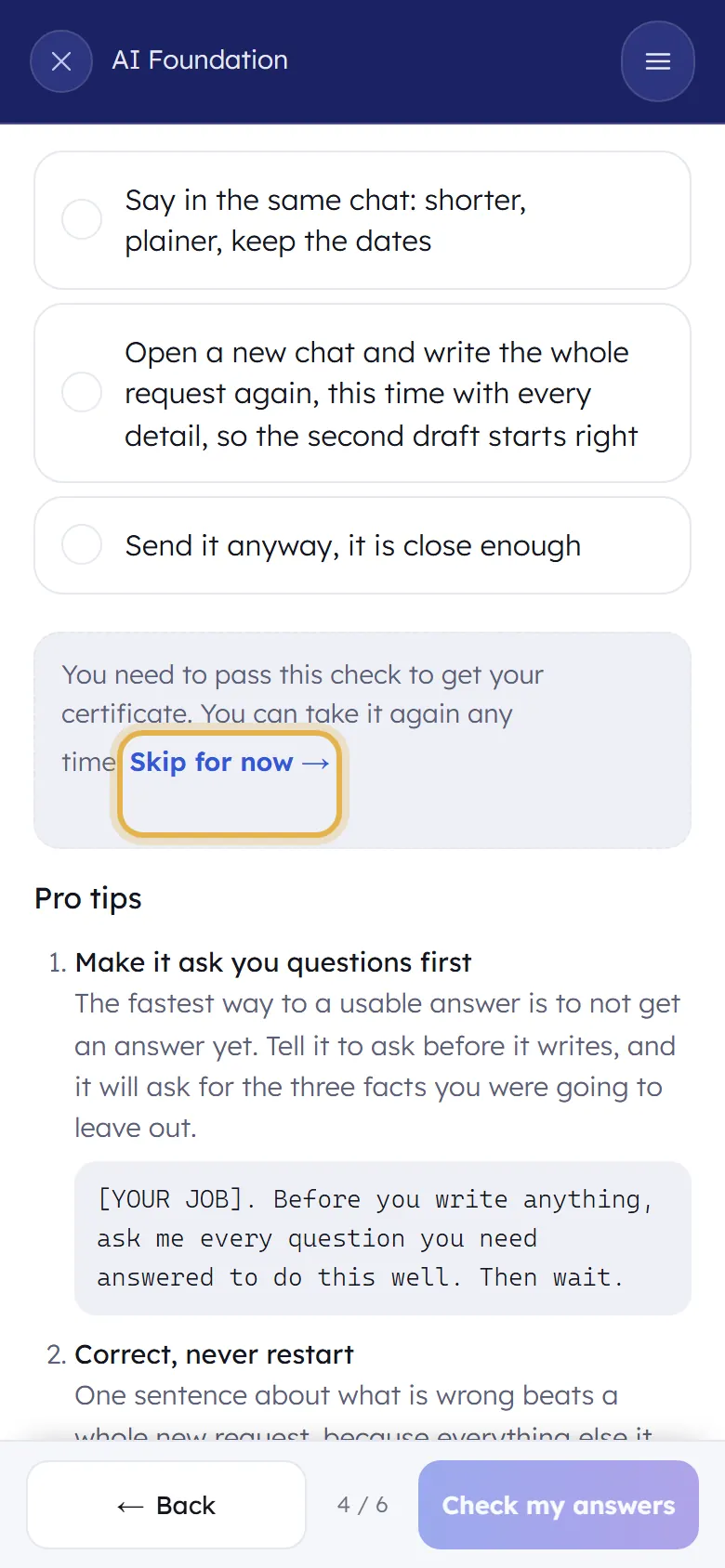
Screen 4, check yourself. Five questions. Tap one answer for each, then tap Check my answers. Get 4 of 5 right and the topic counts for your certificate.
Got one wrong? Sifu shows why the right answer is right. You can try again any time. You can also tap Skip for now and come back later.
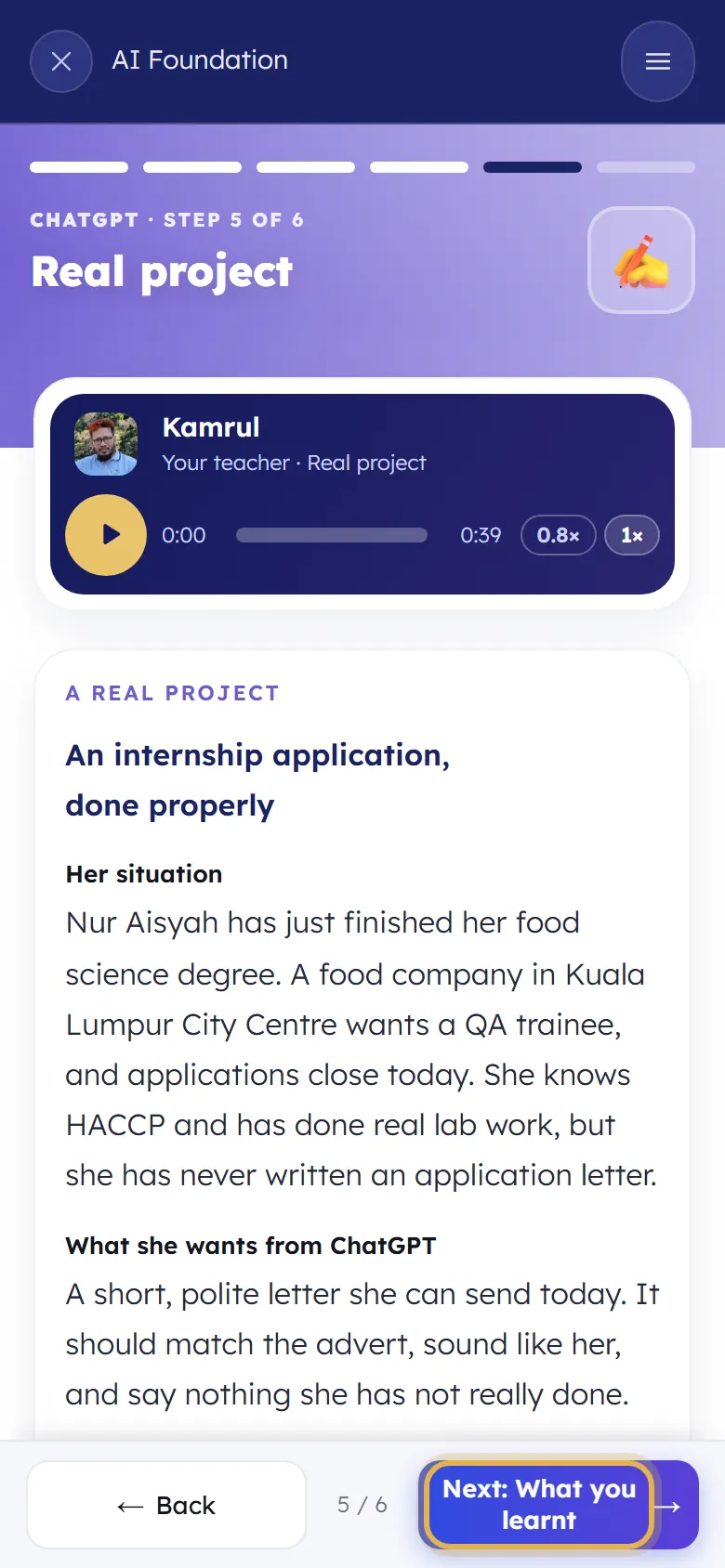
Screen 5, a real project: one real piece of work, done the way you just learnt. Screen 6, what you learnt: a short recap. Then Next takes you to the next tool or topic.
If you are stuck
- There is no sound.
- Turn up your phone's volume and take it off silent. Tap play again. On slow internet, wait a few seconds for the voice to load.
- I closed the lesson by mistake.
- Nothing is lost. Open Home and tap Carry on: you go back to the same screen.
- Do I need to pay for ChatGPT or the other tools?
- No. Every lesson works with the free version of the tool.
Still stuck? We answer every message.