

User guide · Learning
Your home screen, explained
What it is
Everything you need after you sign in: where you stopped, your courses, this week's lessons, your badges, your books and the invite box.
Where to find it
- Menu
- Home
How to do it
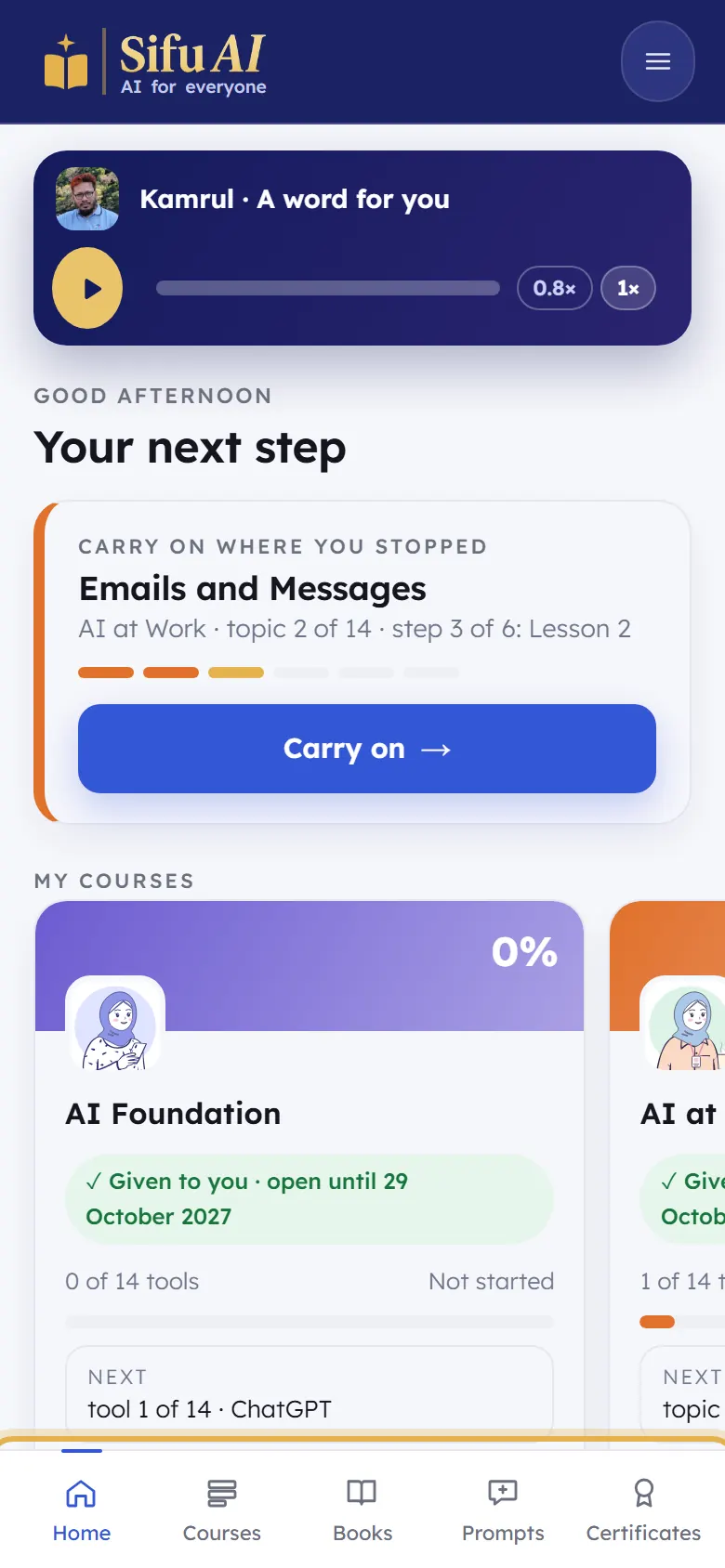
A word for you is a short voice note from Kamrul, your teacher. Tap play.
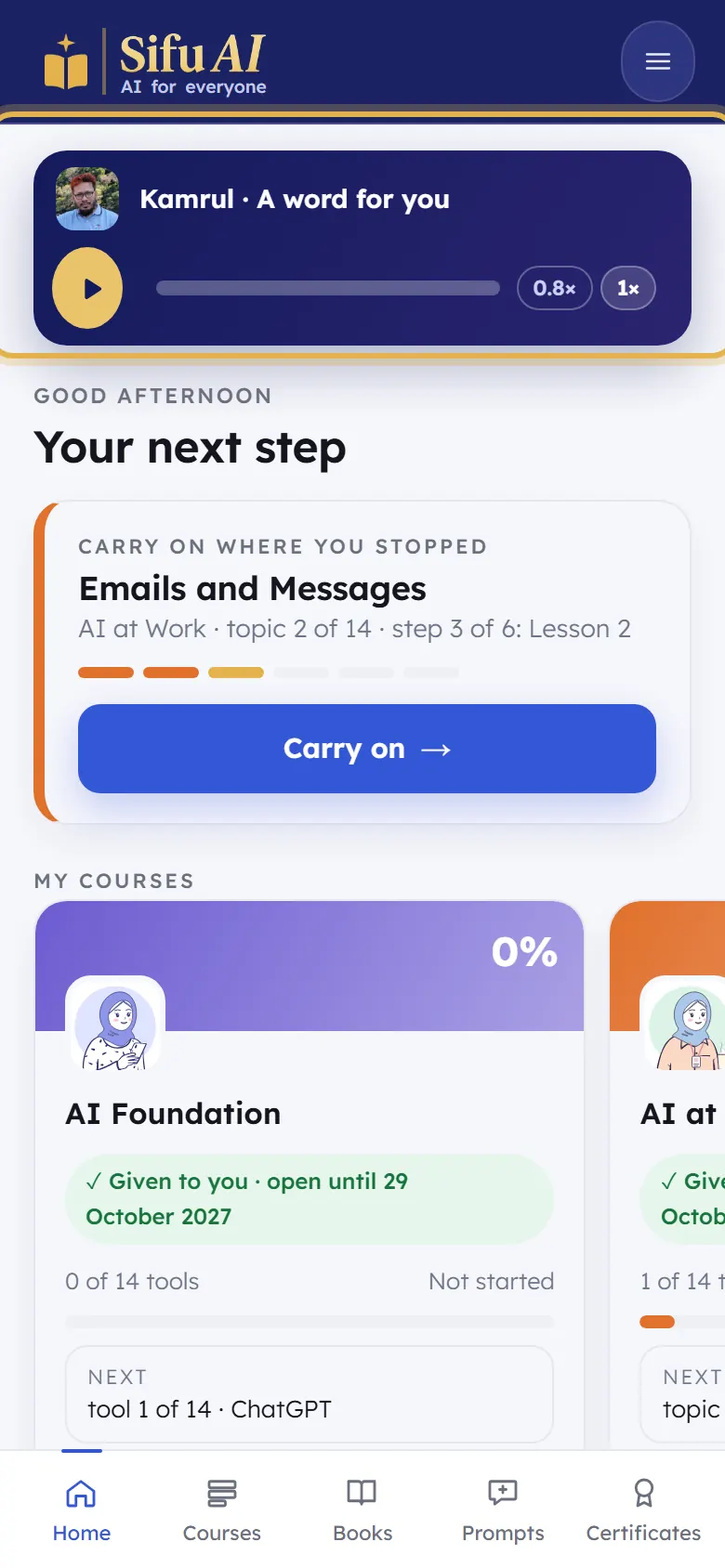
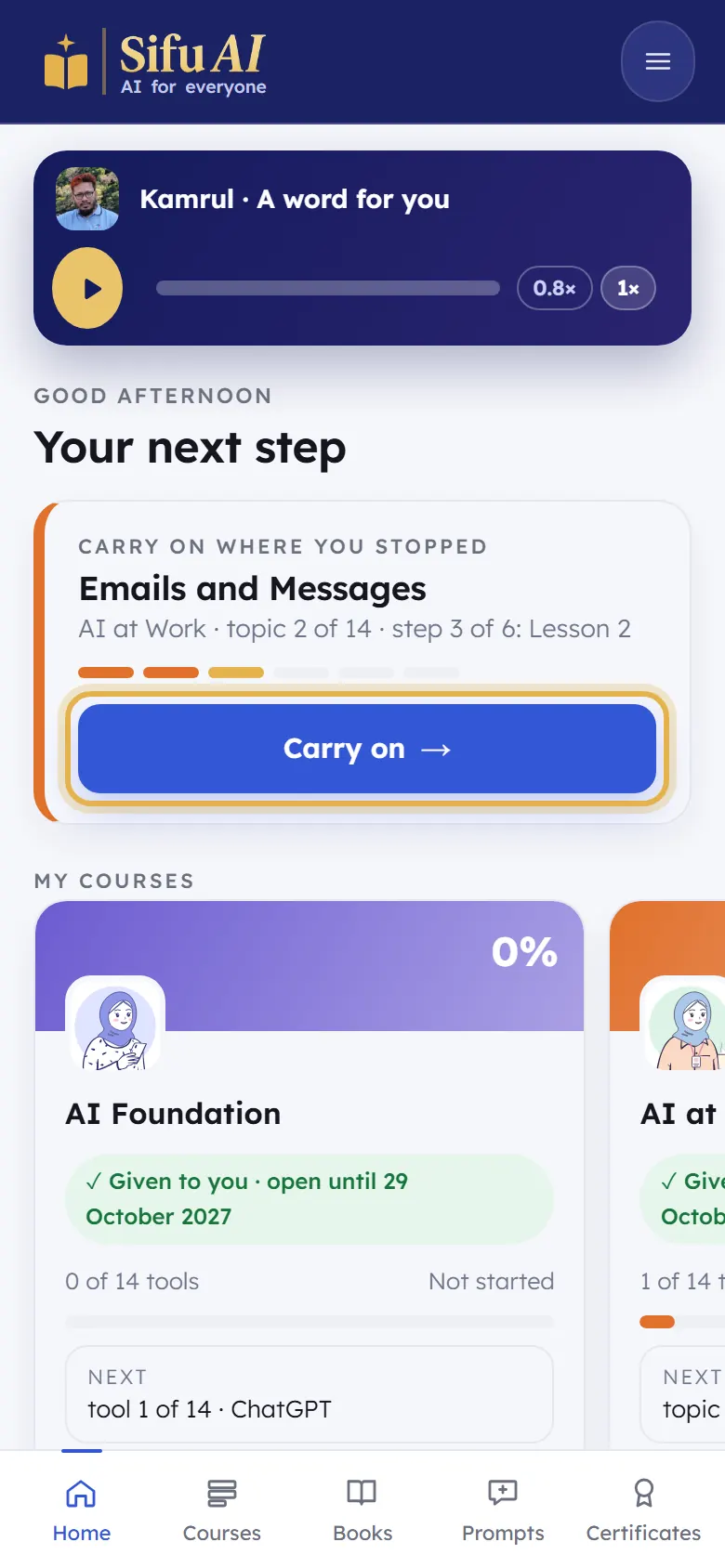
Your next step takes you back to exactly where you stopped. Tap Carry on.
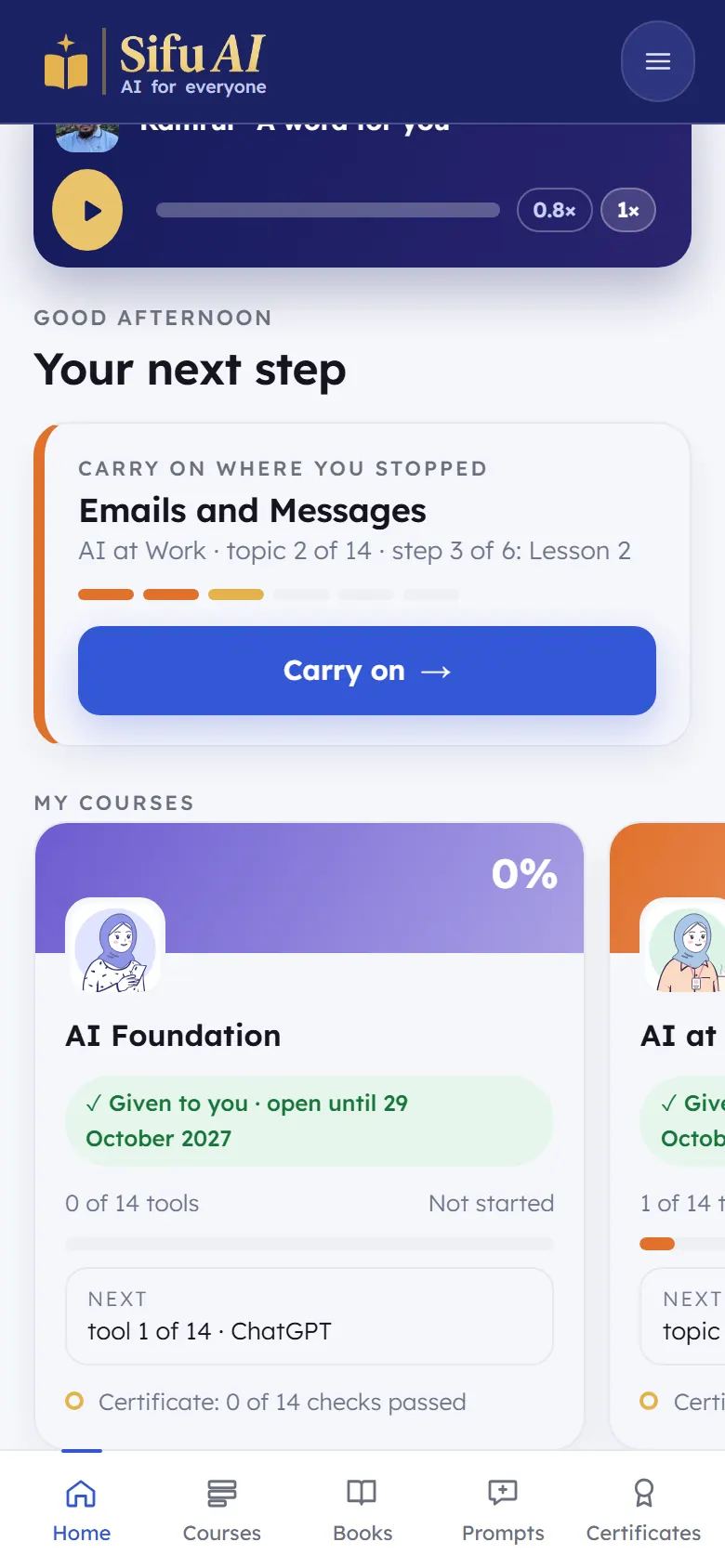
My courses shows each course, how far you are, and until when it is open. Swipe sideways to see all three.
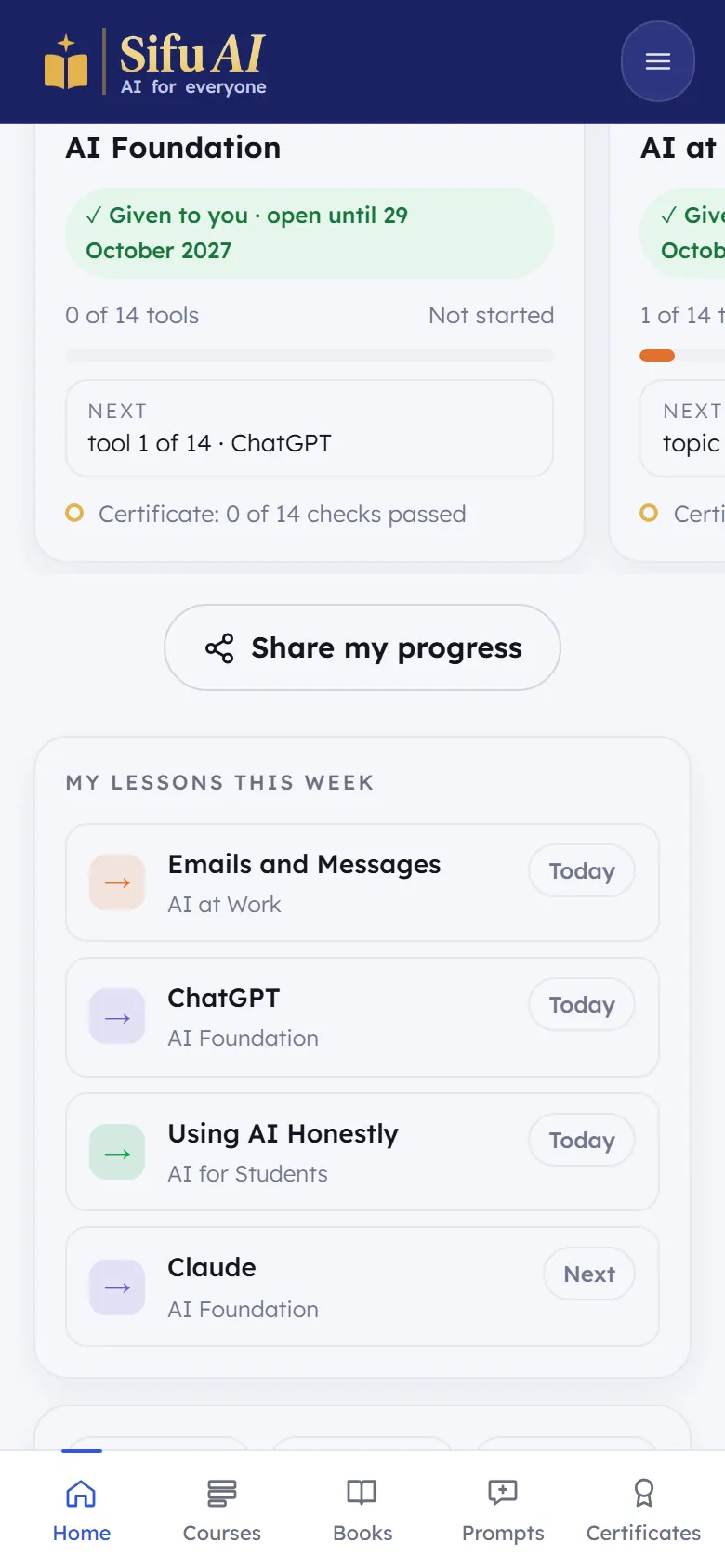
My lessons this week lists what to learn next. Below it: days in a row, topics finished and checks passed.
Badges fill in as you finish topics. Books on your shelf opens your books.
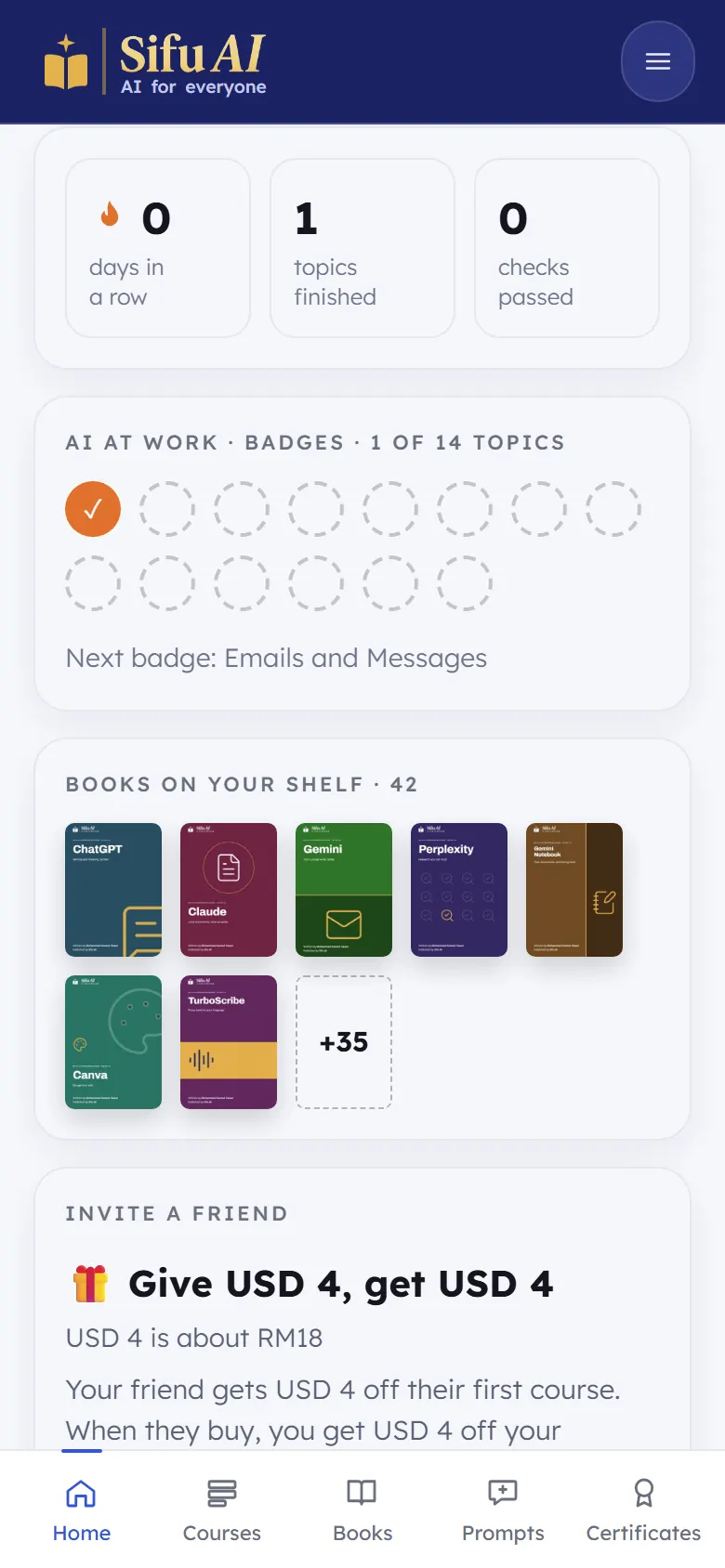
The bar at the bottom is always there: Home, Courses, Books, Prompts and Certificates.
Still stuck? We answer every message.