

User guide · Courses and paying
Give a course as a gift
What it is
Buy a course for someone you love. It opens on THEIR email, not yours. They sign in with their own email and it is ready.
Where to find it
- Checkout
- Buy it as a gift instead
How to do it
Start buying the course. On Your details and payment, tap Buy it as a gift instead. The Gift your loved one box opens.
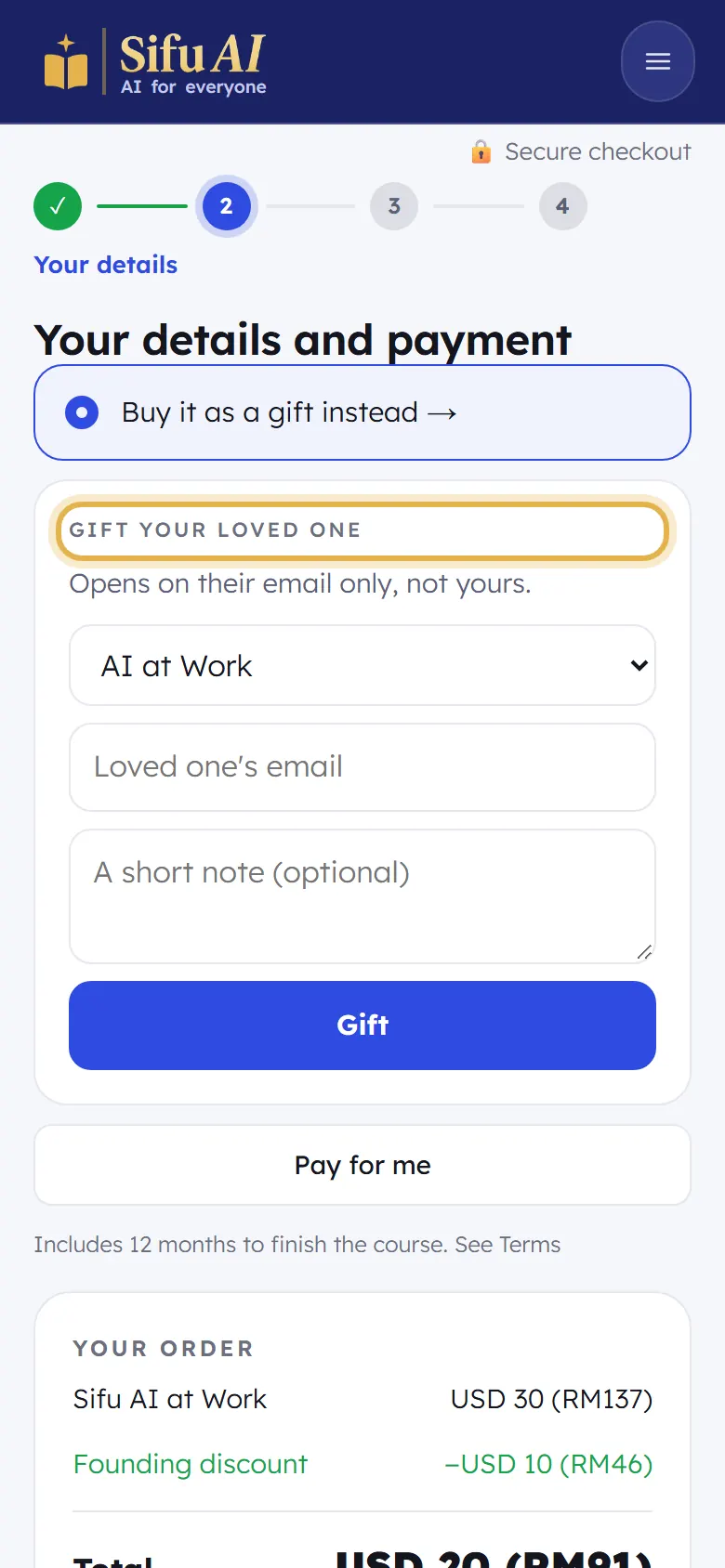
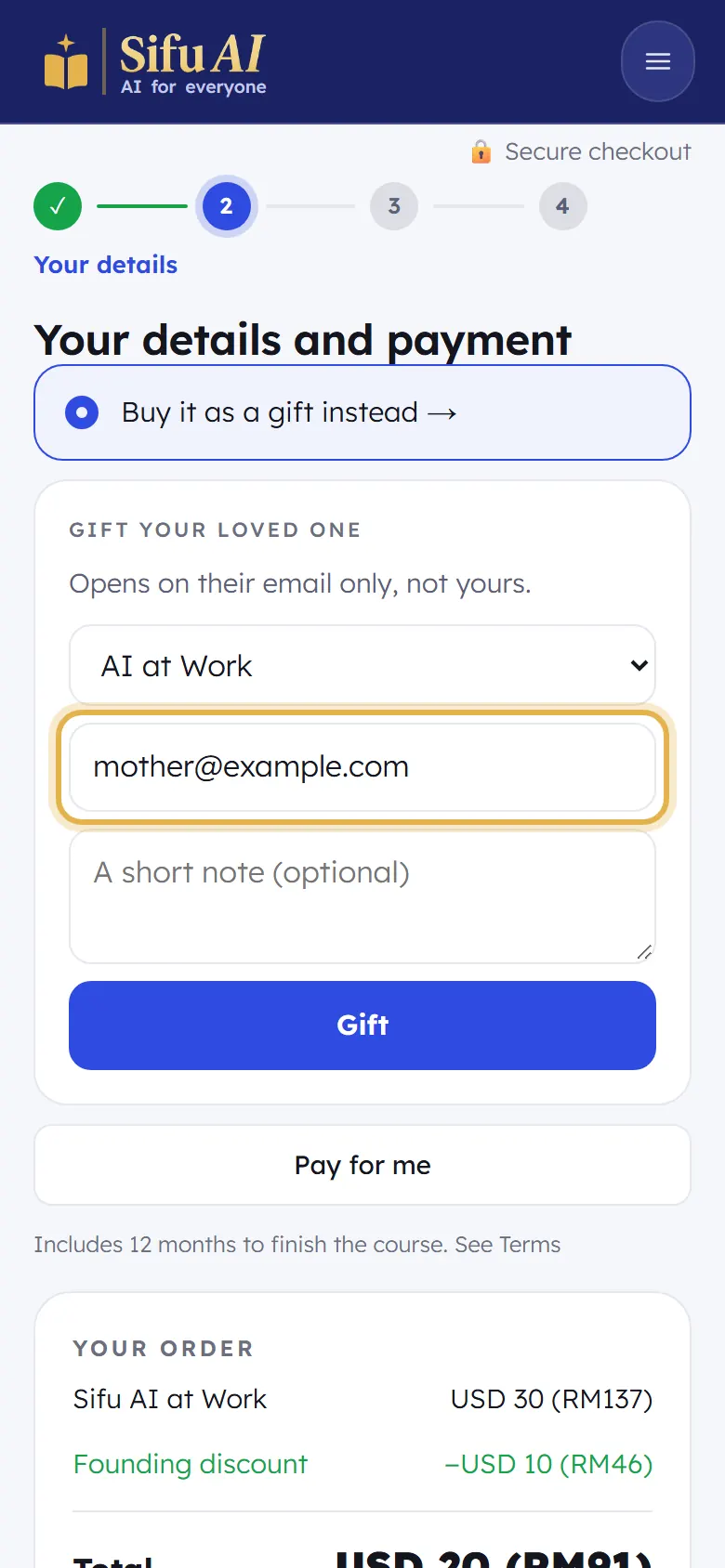
Choose the course, type your loved one's email and, if you like, a short note. Tap Gift, then pay as usual.
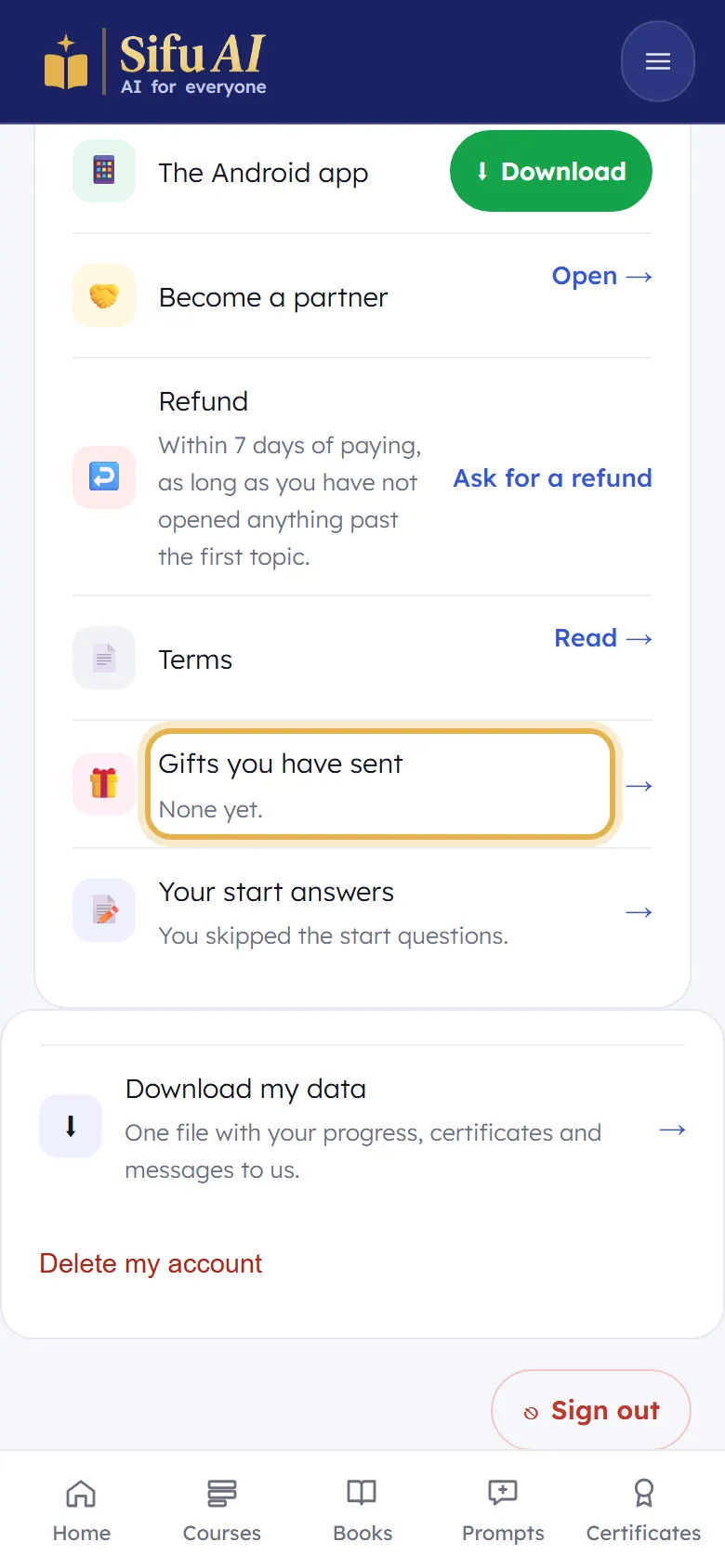
They get an email from Sifu AI. To see the gifts you have sent, open My account, then Gifts you have sent.
Still stuck? We answer every message.