

User guide · Getting started
Sign in (and make your account)
What it is
You sign in with your email. We email you a 6-digit code, you type it in, and you are in. There is no password, and no separate sign up: the first time you sign in, your account is made.
Where to find it
- Any page
- Sign in (top right)
How to do it
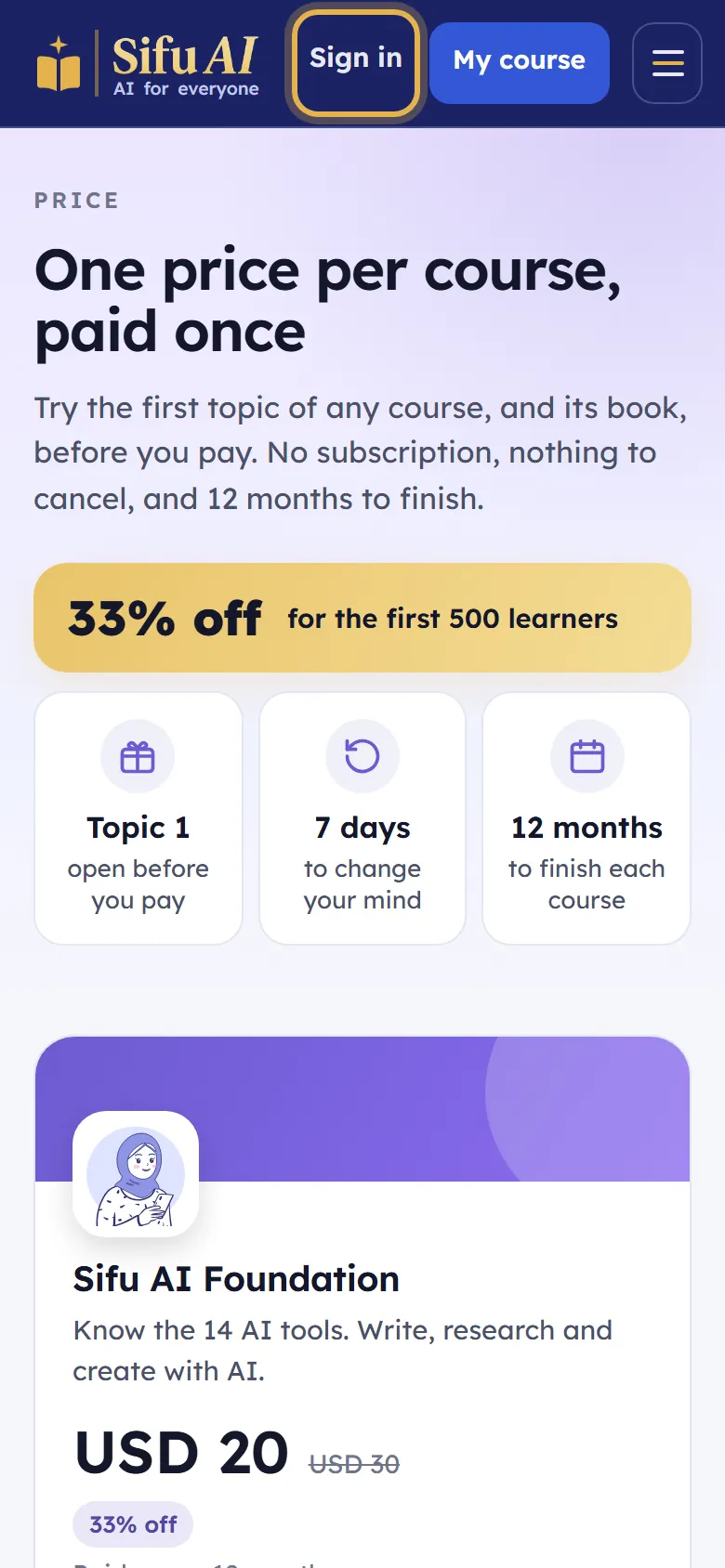
Tap Sign in at the top of any page.
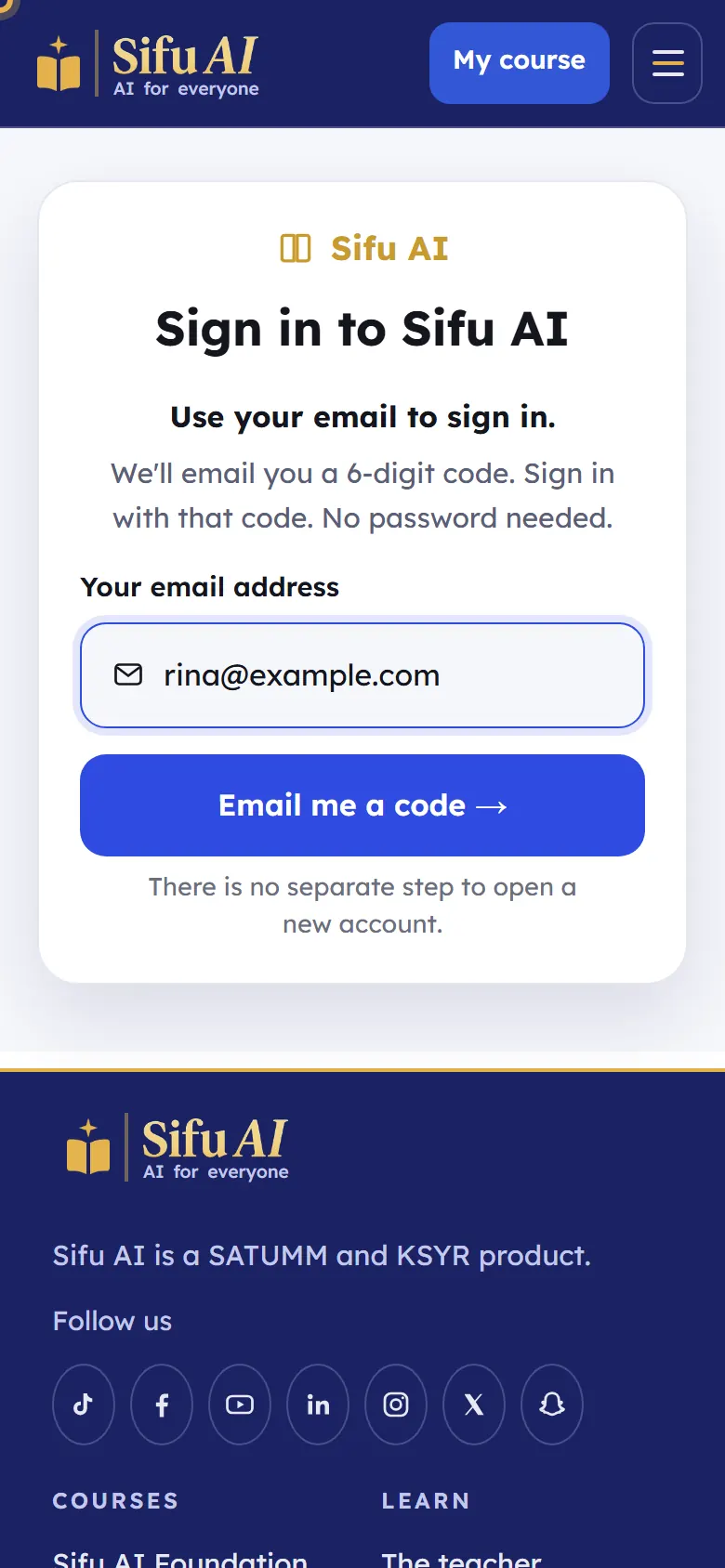
Type your email address and tap Email me a code. (You can also tap Log in with Google if you use Gmail.)
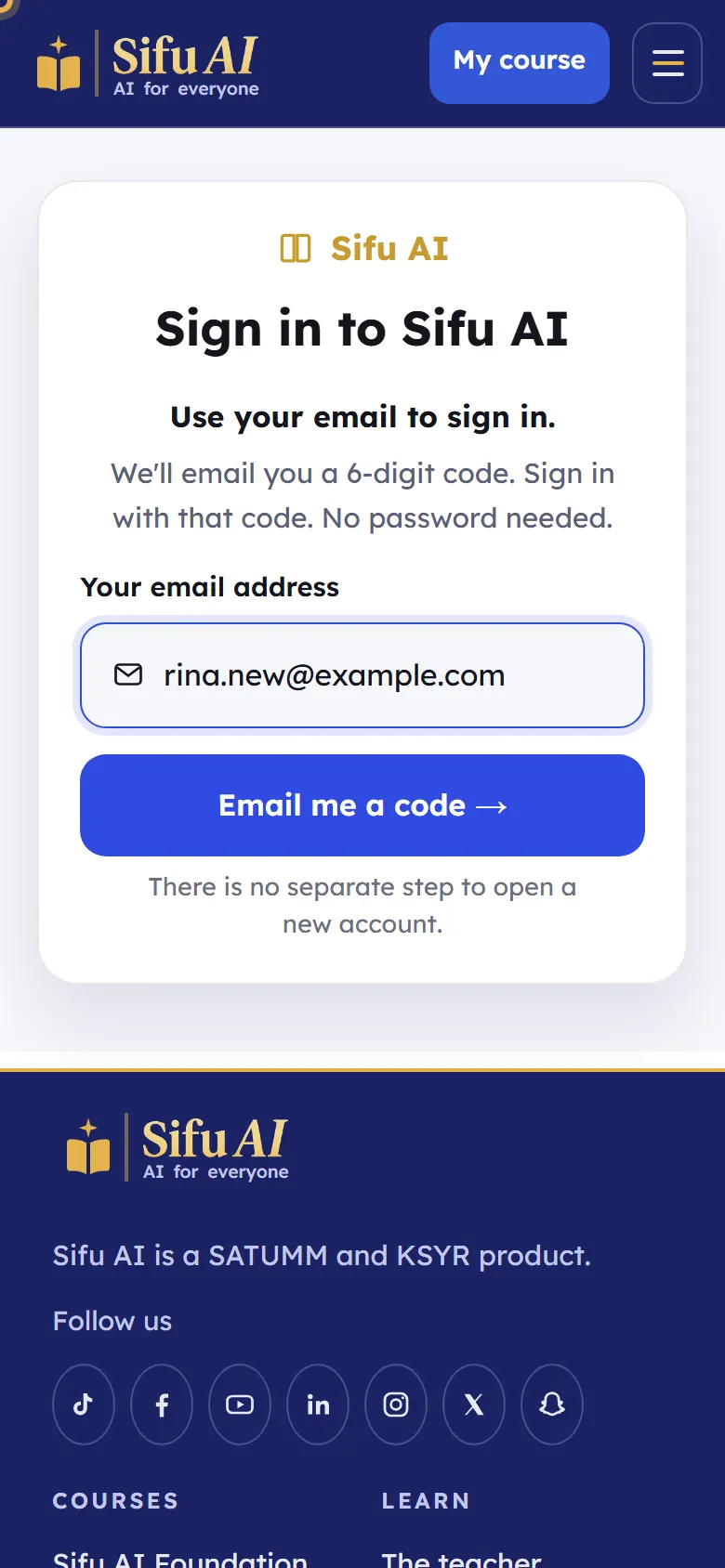
Open your email. You will find a message from Sifu AI with a 6-digit code.
Type the 6 numbers in the boxes, then tap Check the code and sign in.
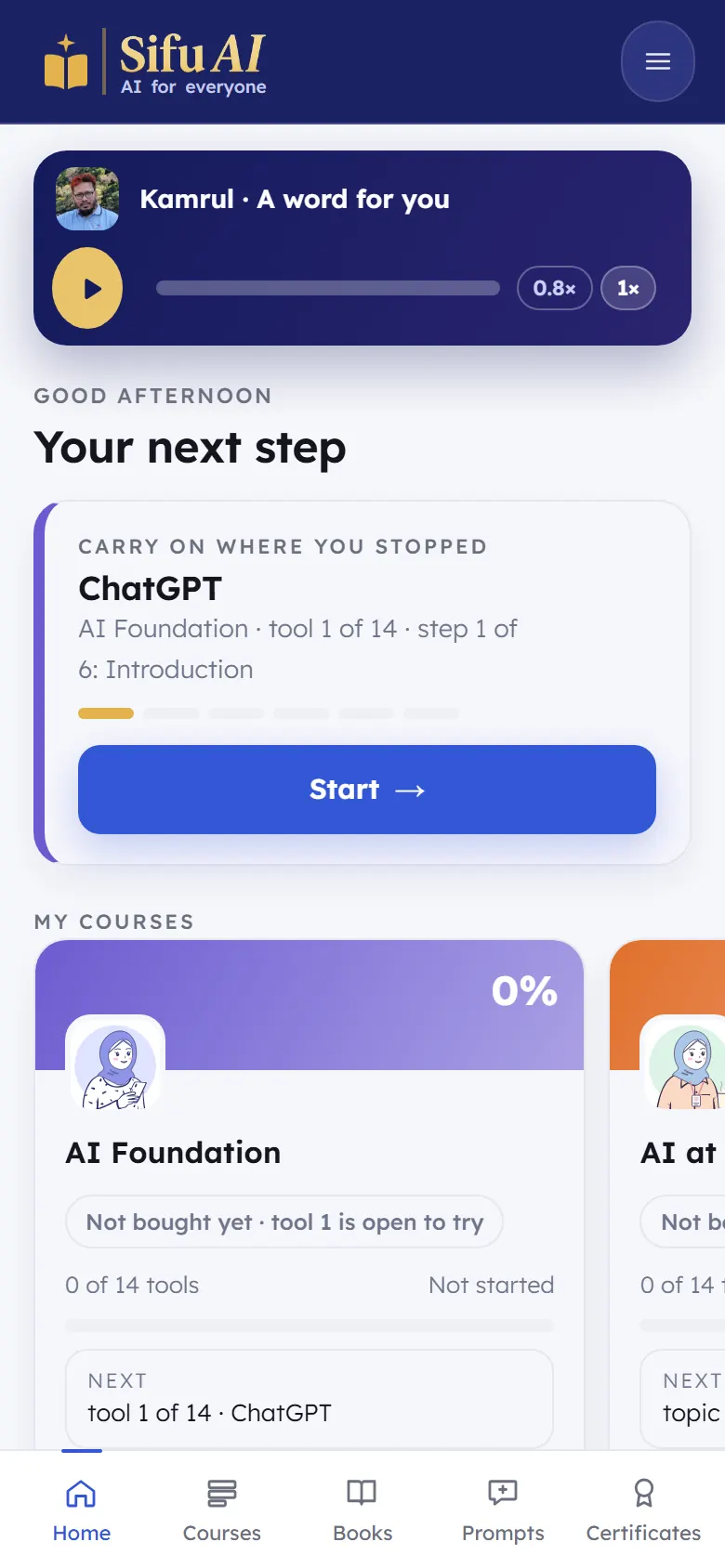
You are in. The first time, Sifu asks a few short questions. Then you see your home screen.
If you are stuck
- The code did not arrive.
- Wait one minute and look in your Spam or Promotions folder. Check the email address you typed: tap Change to fix it. Then tap Didn't get the code? Send it again.
- The code says it is wrong.
- Use the newest code only. Each new code stops the one before it working.
- Can I sign in on two phones?
- Yes. Sign in with the same email on each one. Your progress is the same everywhere.
Still stuck? We answer every message.