

User guide · Courses and paying
Try a course for free
What it is
The first topic of every course, and its book, are free. You need only to sign in. No card.
Where to find it
- Home
- My courses
- Start
How to do it
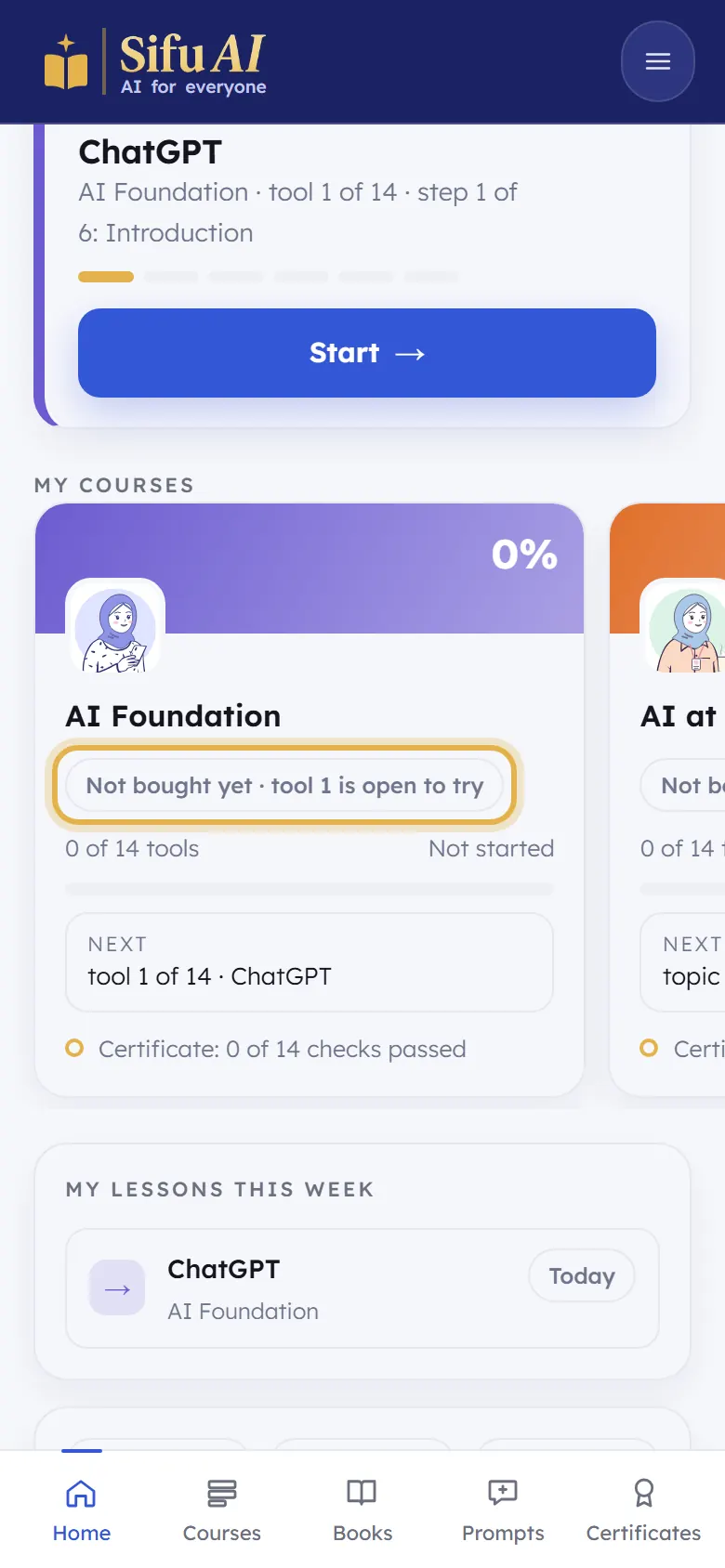
Sign in. On your home screen, under My courses, each course says tool 1 is open to try or topic 1 is open to try.
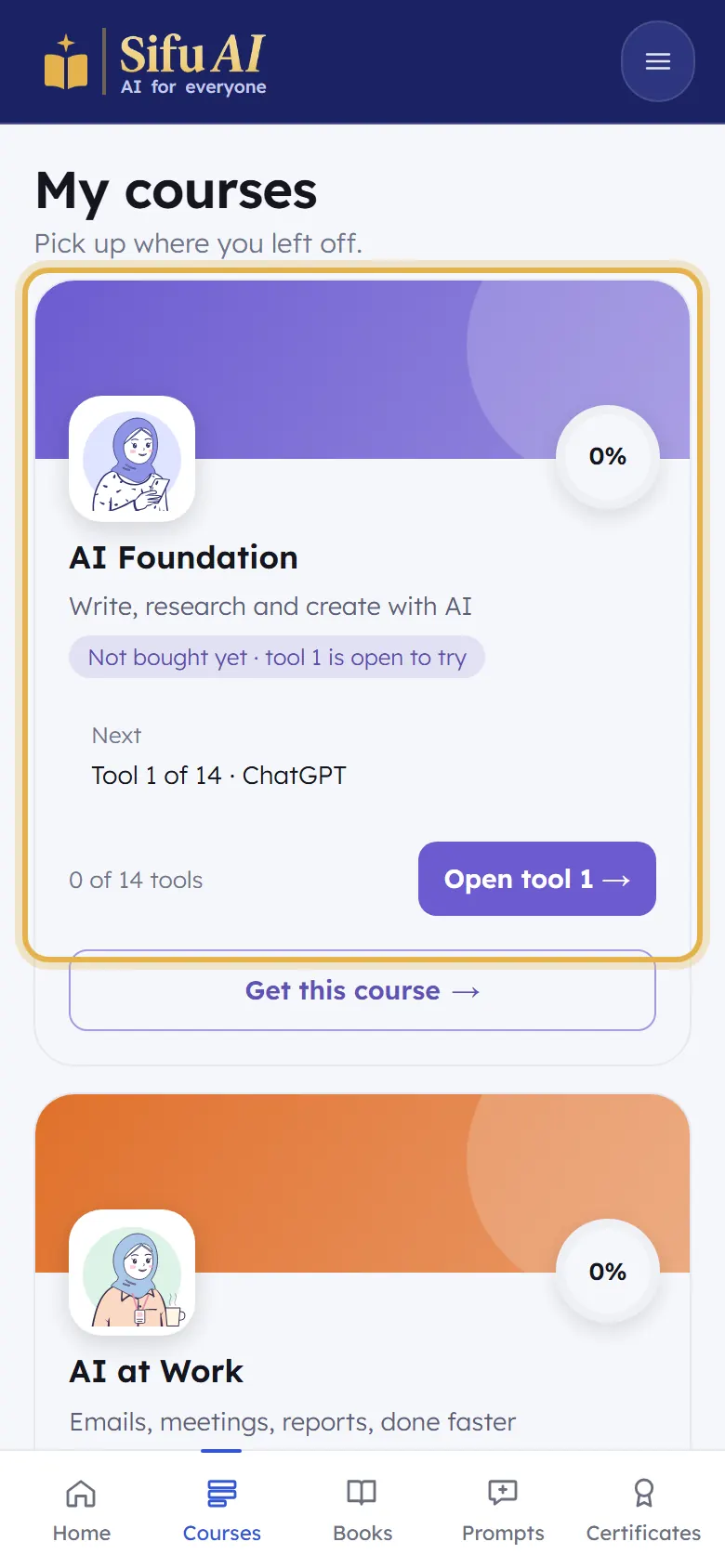
Tap Courses at the bottom, then Open tool 1 (or Start) on any course.
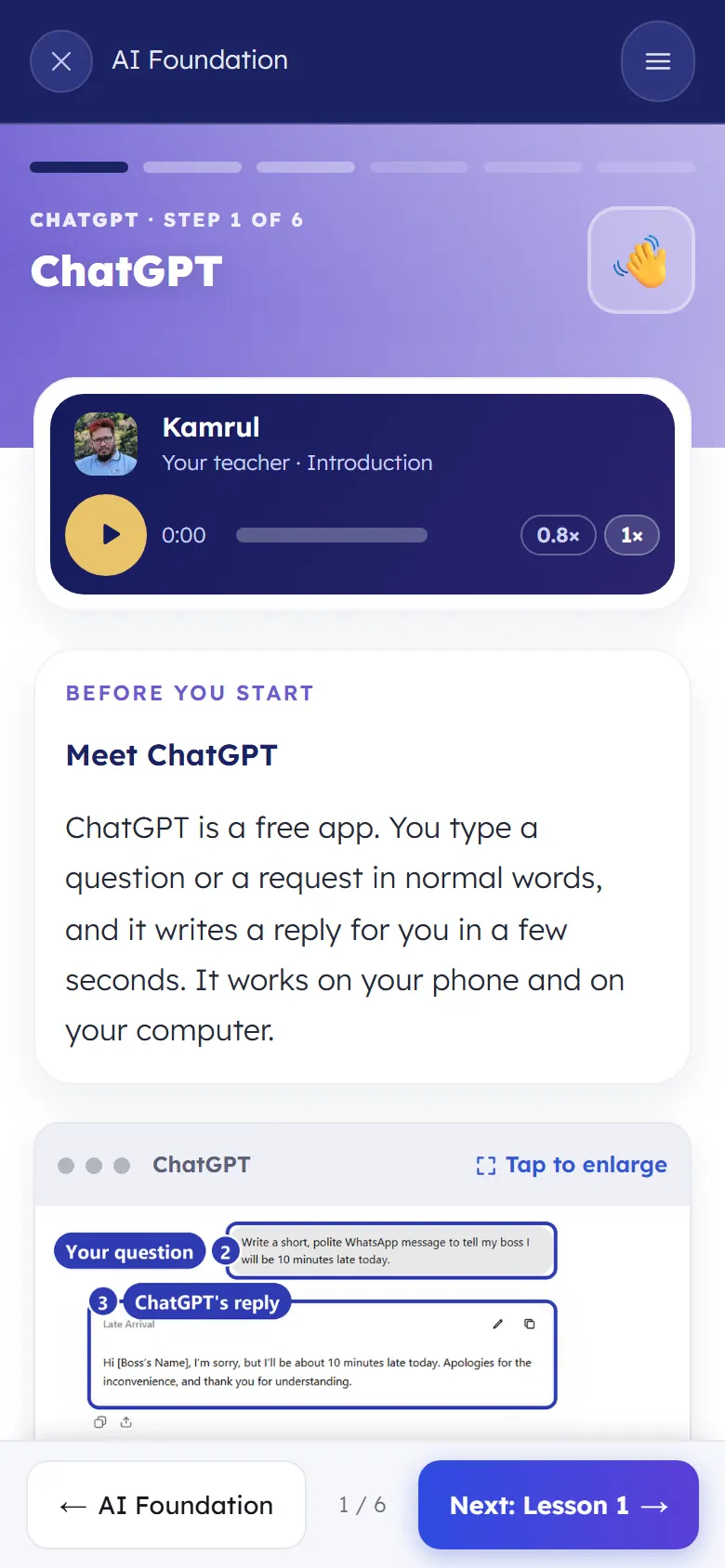
Learn the whole first topic and read its book. When you go on to topic 2, Sifu shows you how to buy the course.
Still stuck? We answer every message.