

User guide · Courses and paying
Buy a course
What it is
Pay once, by card or bKash. The course opens straight away, on the email you signed in with.
Where to find it
- Price
- Choose
- Continue
How to do it
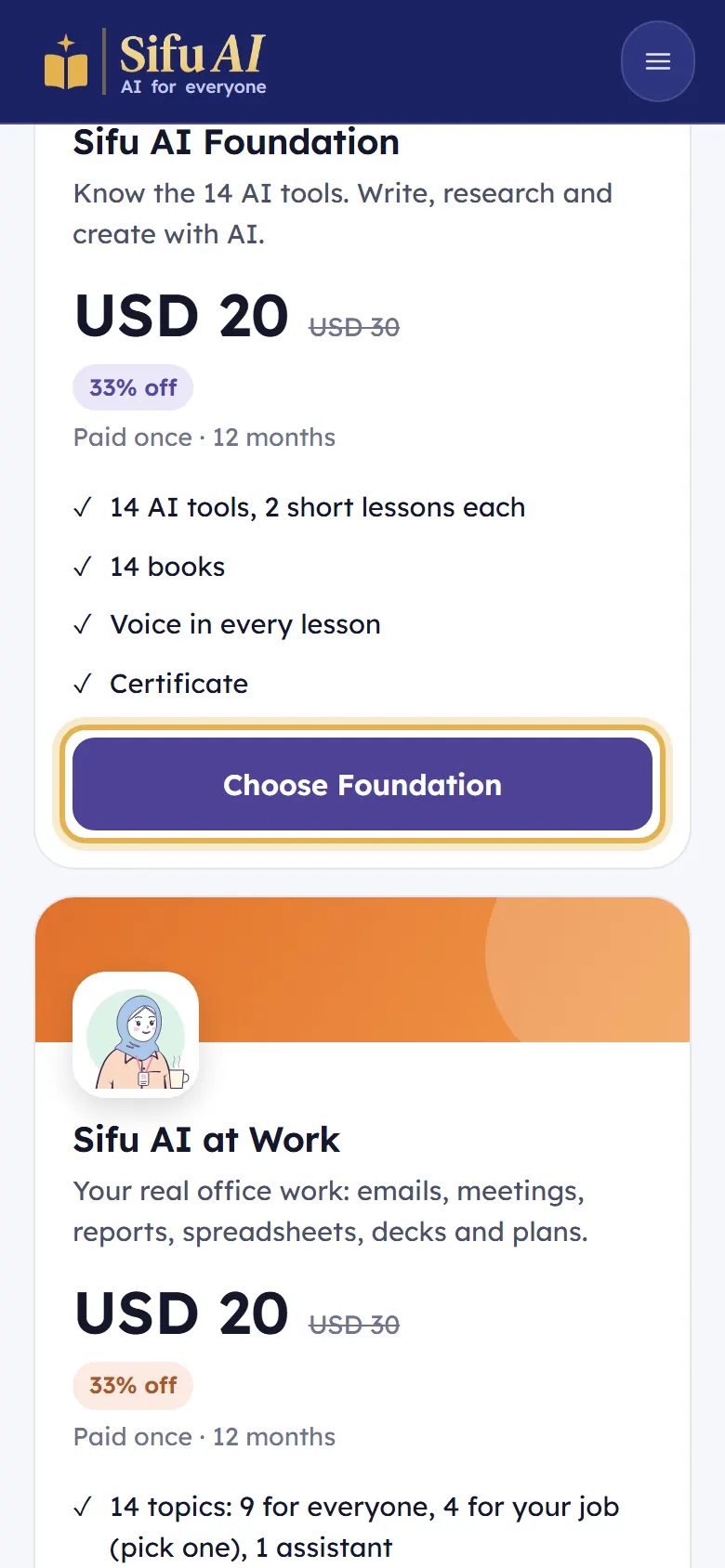
On the Price page, tap Choose on the course you want, for example Choose Foundation.
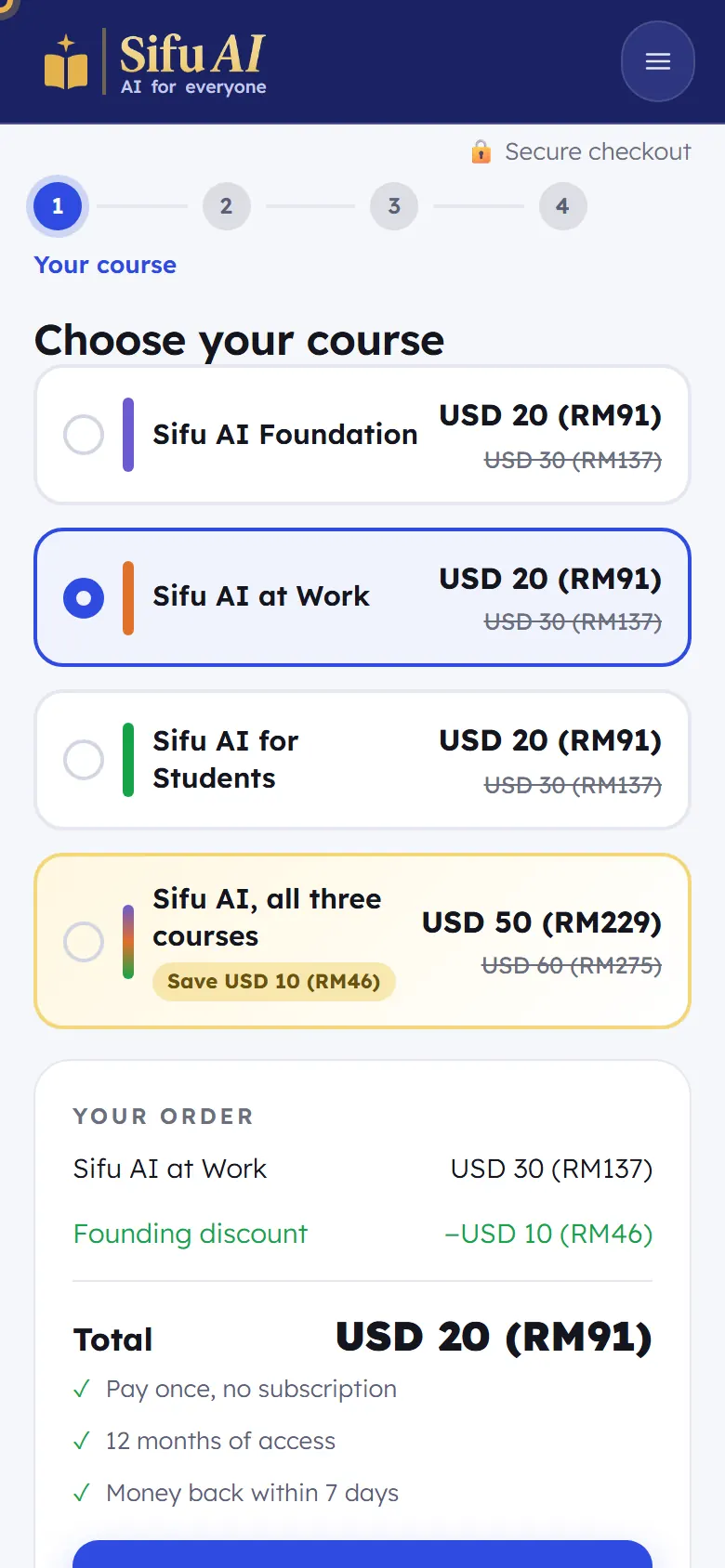
Step 1, Choose your course: check the right course is ticked, look at Your order, then tap Continue.
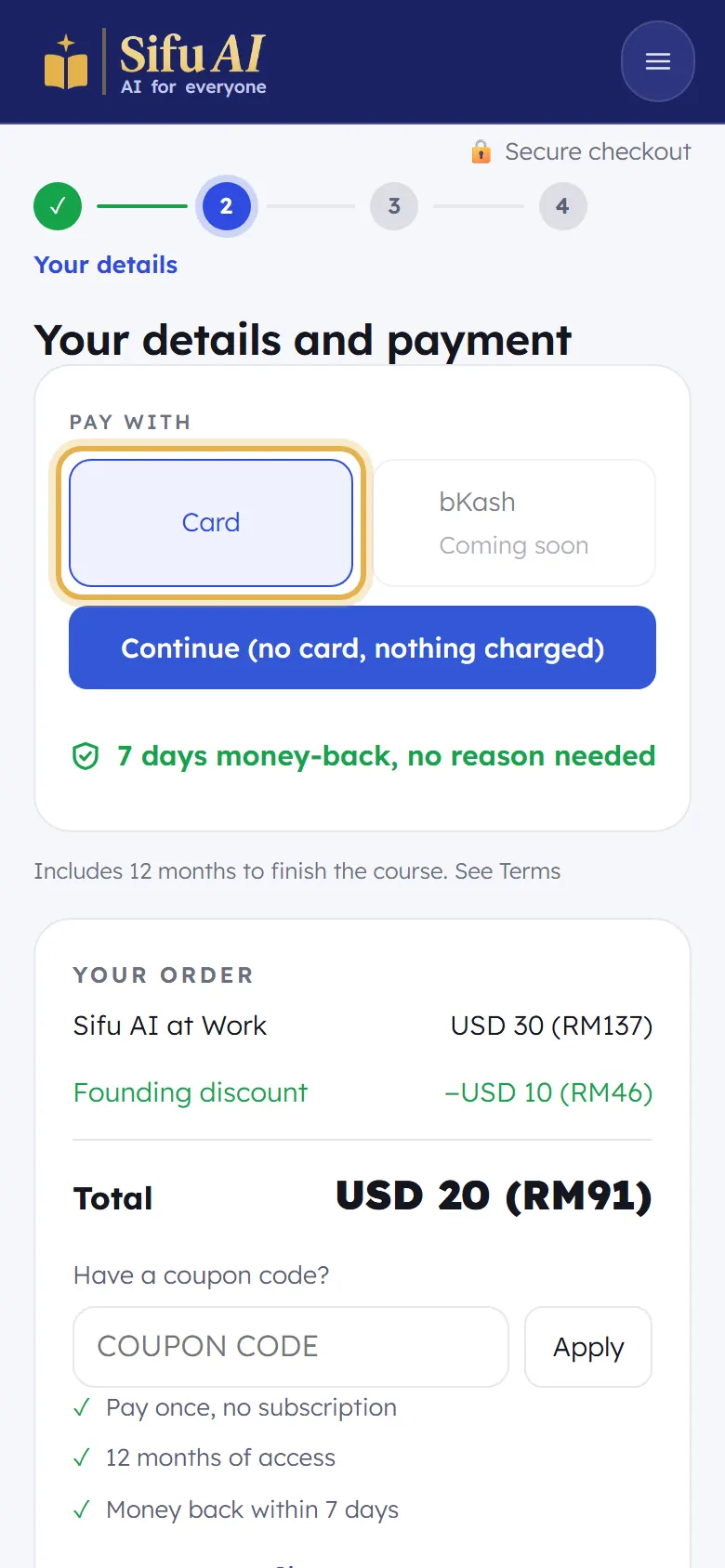
Step 2, Your details and payment: choose how to pay, then fill in the secure card form. Sifu AI never sees your card number.
When the payment is done, you come back to Sifu AI and the course is open. A receipt comes to your email.
If you are stuck
- I paid but the course is still locked.
- Sign out and sign in again with the same email you paid with. If it is still locked after 10 minutes, send us your receipt on WhatsApp.
- The price is in dollars, not my money.
- Cards are charged in US dollars. The amount in brackets is about what your bank takes in your money.
Still stuck? We answer every message.